
Query based User and Device Collections Introduction
In this section I will give you detailed examples of creating query based user and device collections then I will give you challenges for each type of collection so that you can apply what you have learned.
Of all the Collections that we have looked at so far, collections based on Query rules are probably the most versatile.
Query Rules – With Query Rules you add members dynamically, based on a schedule.
Here are the basic steps that you use to Create Collections using a Query Rule
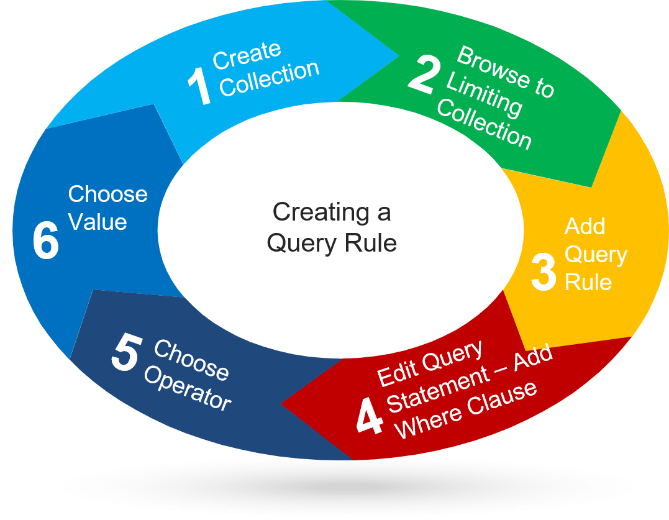
- Create the Collection
- Browse to the Limiting Collection
- Add the Query Rule
- Edit Query Statement. Add Where Clause
- Choose Operator
- Choose Value
At first Query based rules may seem a little confusing, that’s only because there are so many options. Query rules will start to make sense especially when you realize that the only differences between query based collections that you will create, are #4 the (where clause) and #6 the Values
I have a list of eight query based collections that you may find useful. I’m going to get you started by showing you how to create query rule based user and device collections. Practice, using these rules and very quickly you will see how easy it is to create these powerful collections.
No comments yet. Add the first comment to start the discussion.