
Problems Downloading ADK
Welcome to Problems and Solutions from the Message Board.

Rajib submitted a question to the Message Board. He was having problems downloading ADK to the SCCM Server. This question relates to the SCCM section, specifically the lecture titled “Installing the Windows Assessment and Deployment Kit”.
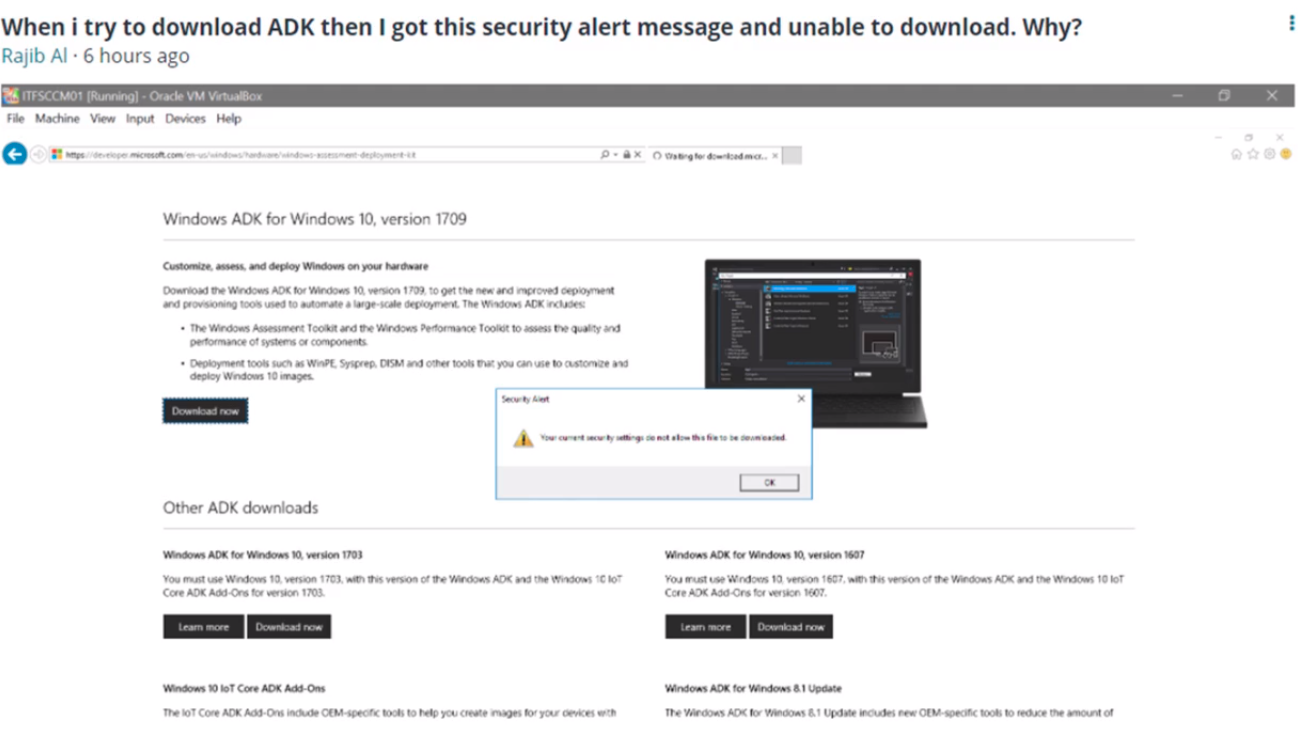
When Rajib tried to download the ADK software he received the following error: “Your current security settings do not allow this file to be downloaded.”
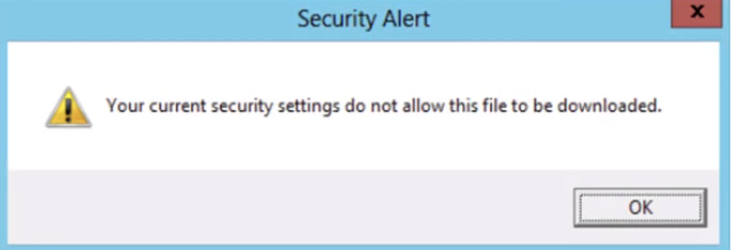
Rajib found a solution on the Internet. The problem was related to the security settings within Internet properties. This is an easy fix, and I wanted to share his solution.
From the SCCM Server.
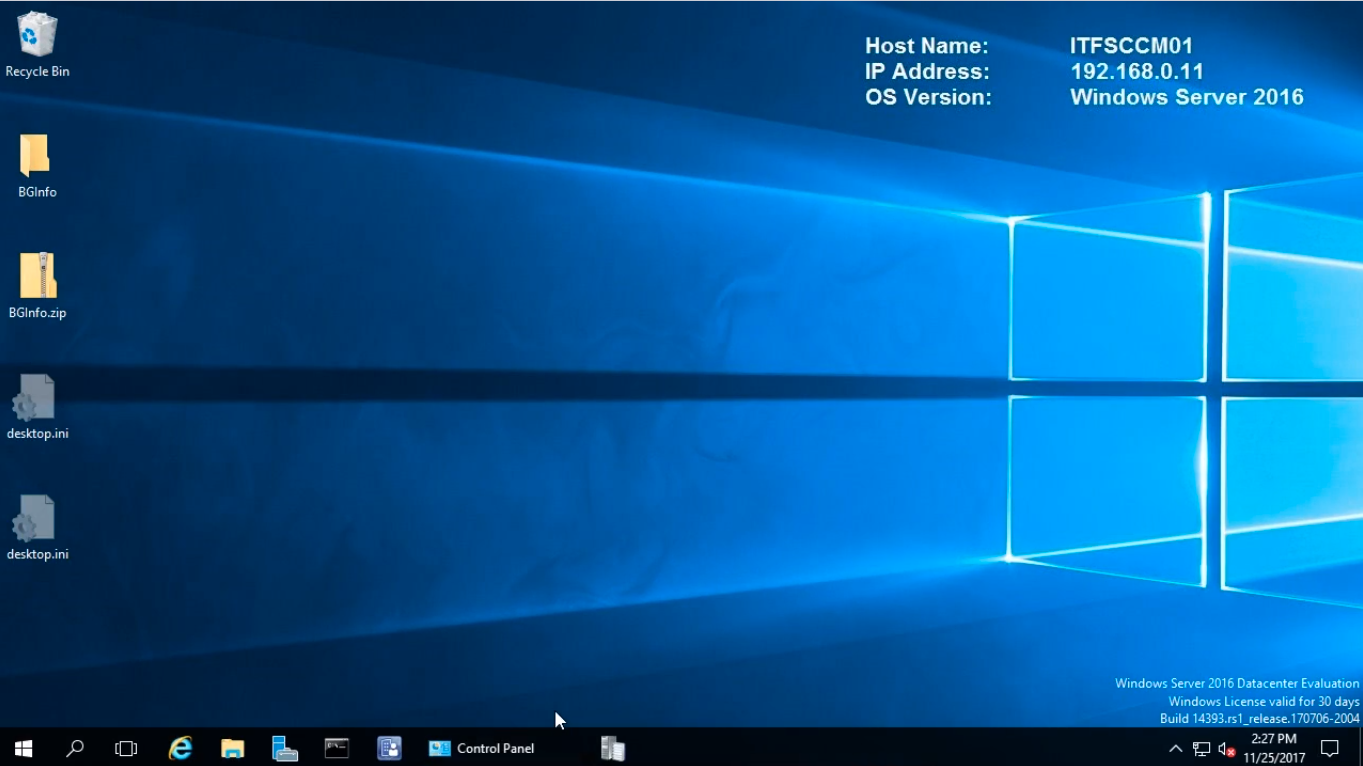
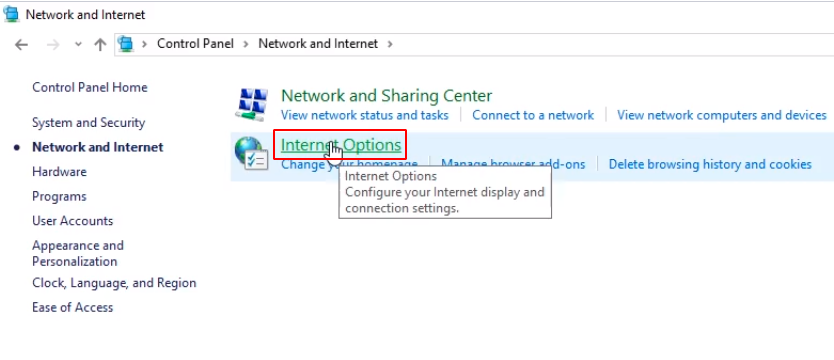
Open the Control Panel, click Network and Internet.
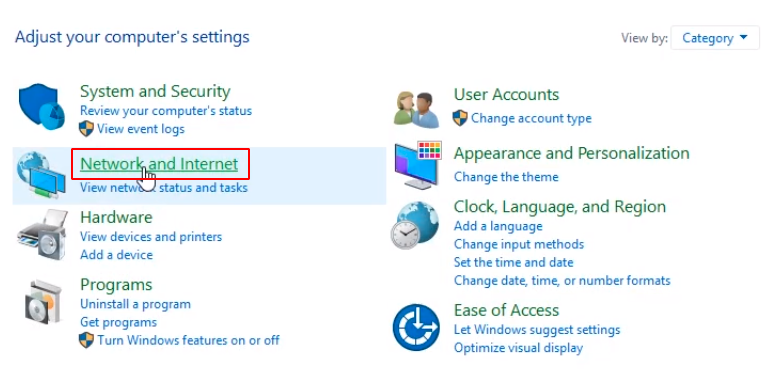
Click Internet Options.
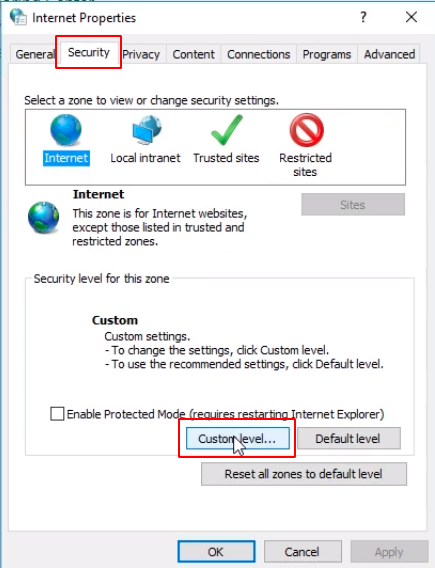
Click the Security tab and click the Custom Level button.
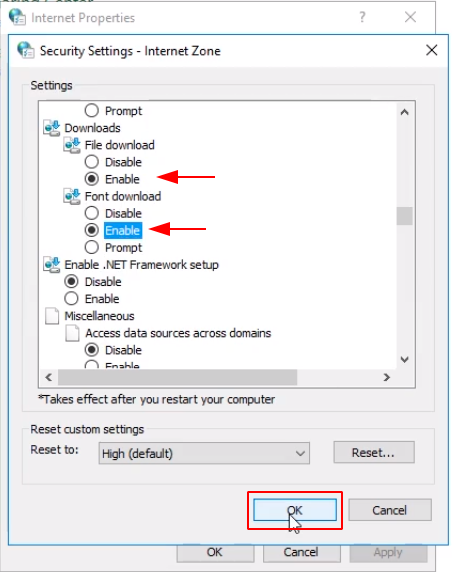
Scroll down until you see Downloads. Click the Enable radio button for File download and Font download and click OK.
Click Yes on the warning message.
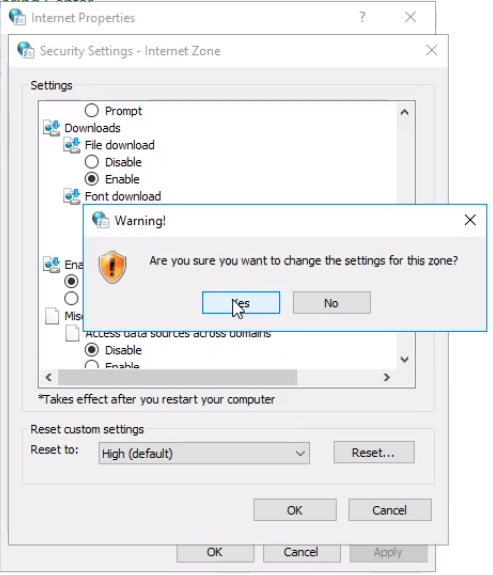
Then click OK again.
No comments yet. Add the first comment to start the discussion.