
How to Verify Your ADK Version
In this lecture, I am going to be showing you how to verify the version of the ADK that you currently have installed on your SCCM server.
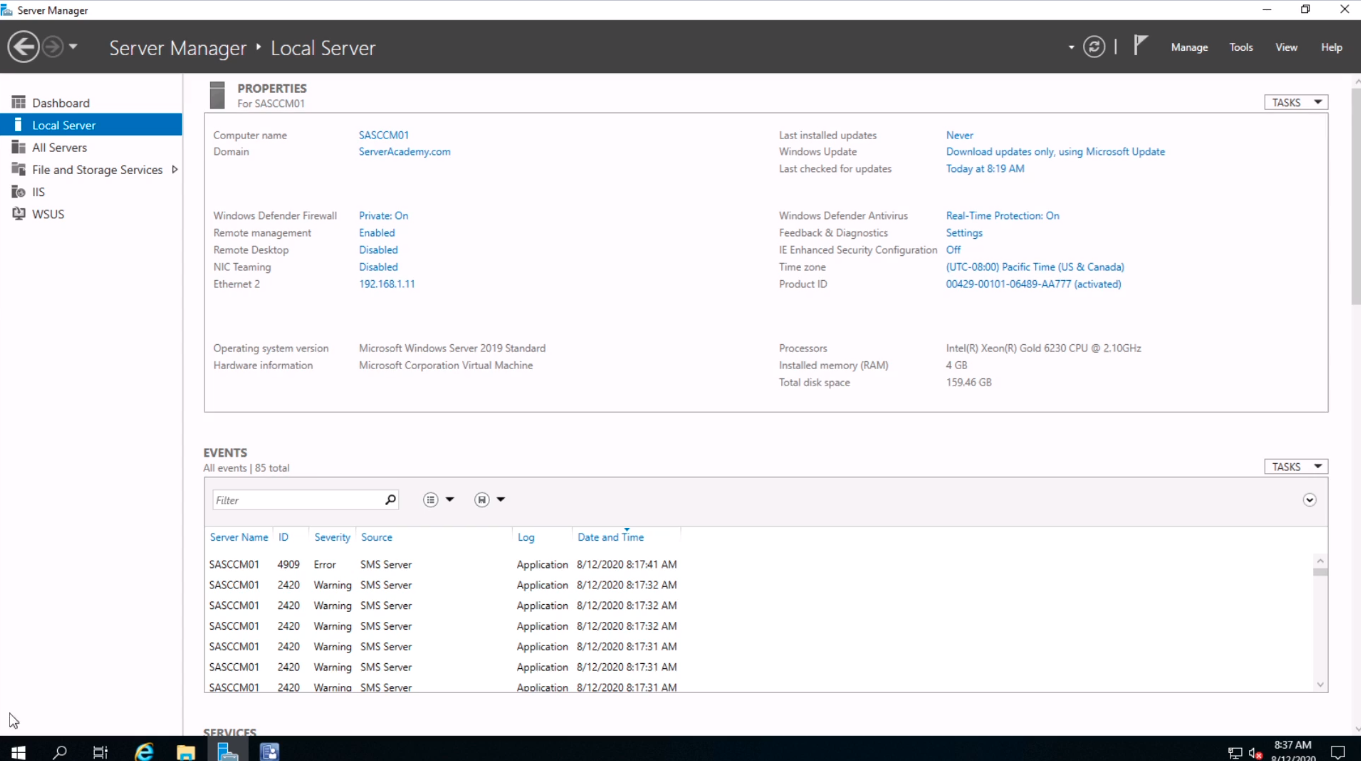
Now, this is useful for those of you who are working in a network where SCCM was already installed when you got there, and you are not exactly sure what was installed on the system.
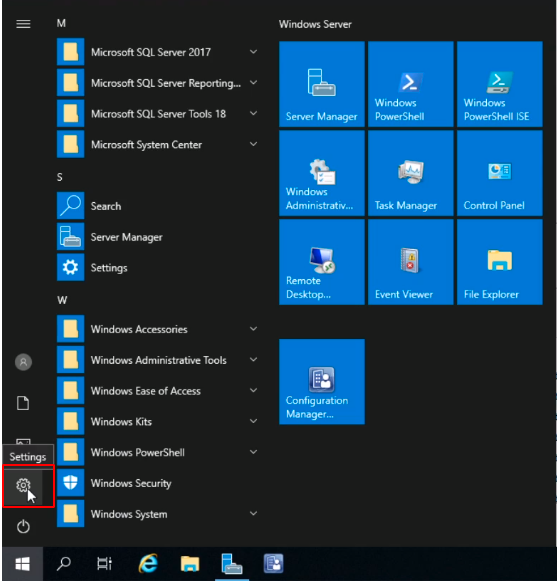
So, what we are going to do is on the SCCM server where the ADK is installed, click Start, and we are going to click on Settings.
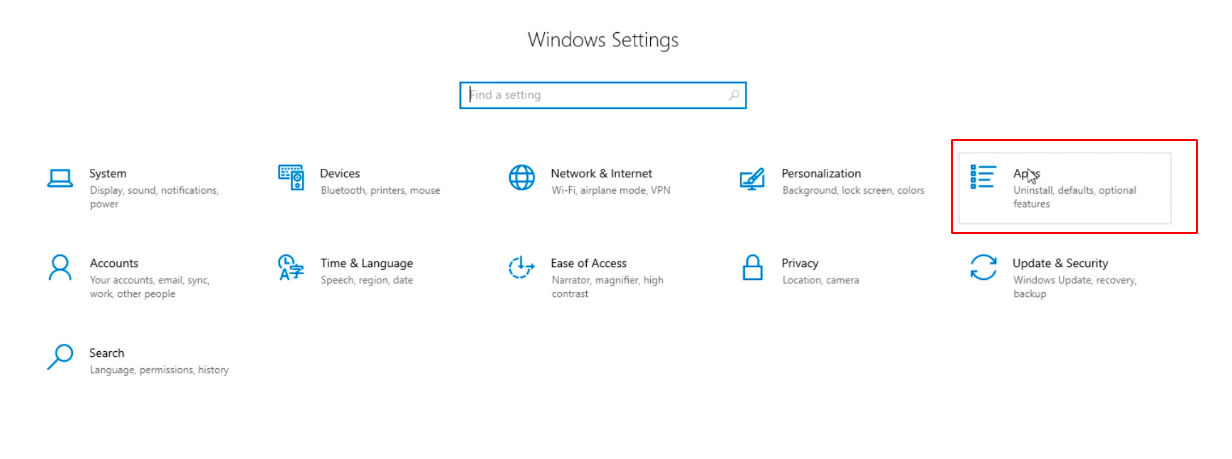
Next, we are going to select Apps.
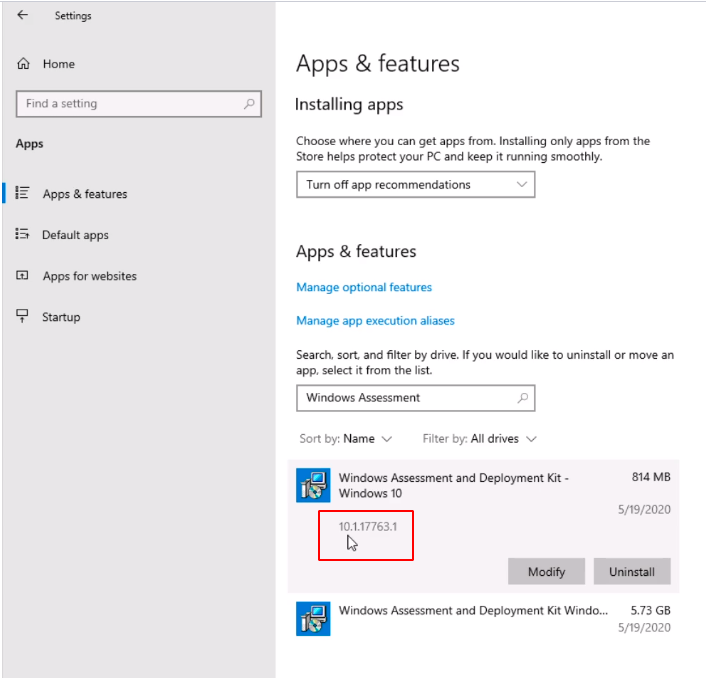
In the Search Bar, we are going to type Windows Assessment. We are already showing two entries at the bottom, and if we look at the first one clicking on it we can see the version number of the ADK that we have installed. This is build number 10.1.17763.1.
It would be really useful if instead of this we saw 1809 or 1903 because we have to translate this build number to the version.
But we can do that pretty easily with the ADK compatibility chart. If we see the list we can see the number is below the version.
So, we have 10.1.17763.1 and that relates to this number here. We have version 1809 of the ADK installed on the SCCM server.
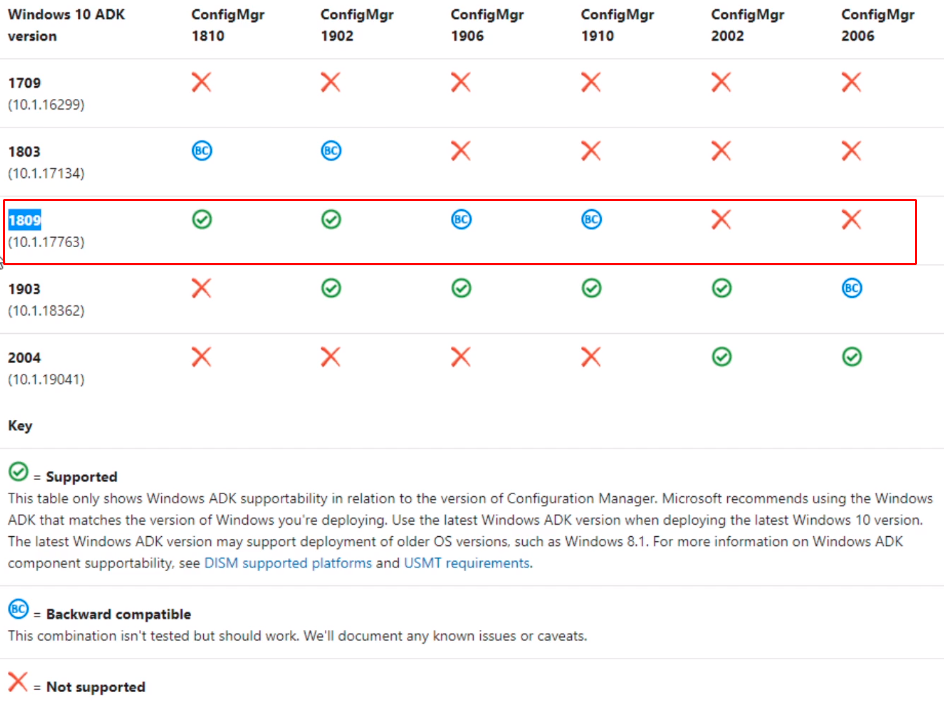
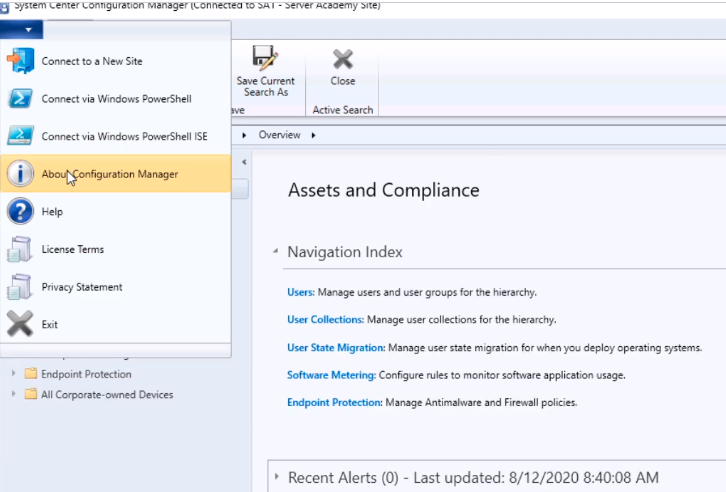
So, we know we are on version 1902 of the SCCM, and if you are not sure in the Configuration Manager console just click on the drop-down on the top left, and select About Configuration Manager.
 …
…
No comments yet. Add the first comment to start the discussion.