
Installing the ADK
Now we need to install the ADK on our SCCM server. You should already have downloaded the adksetup_1903.exe and adkwinpesetup_1903.exe.
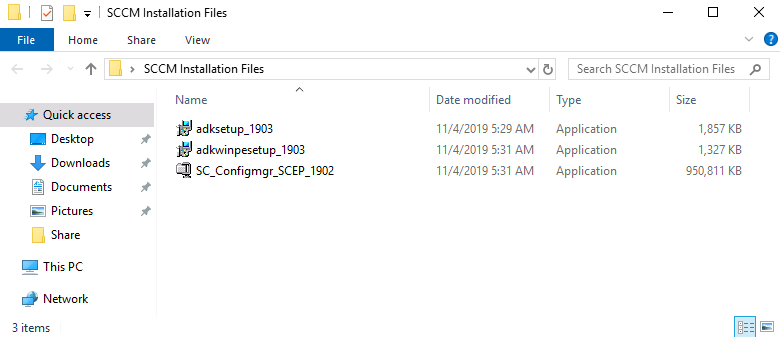
Let’s start by launching the adksetup_1903.exe installer file.
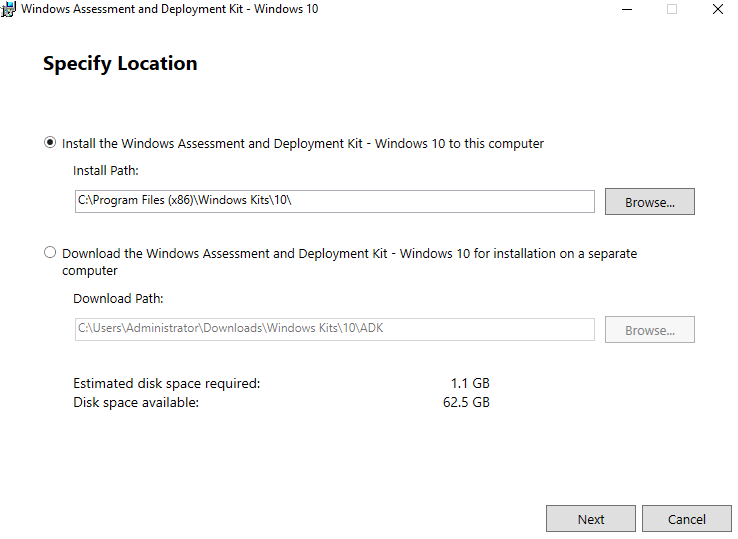
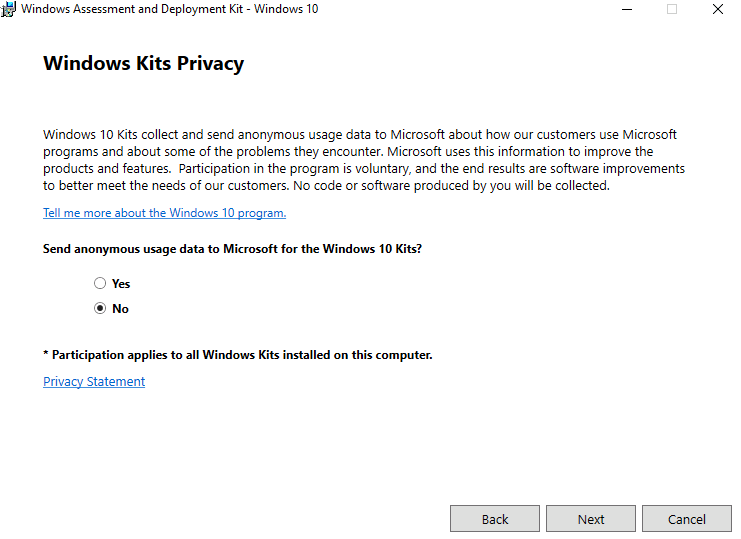
Click Next and and then decide whether or not you want to send anonymous usage data to Microsoft then click Next
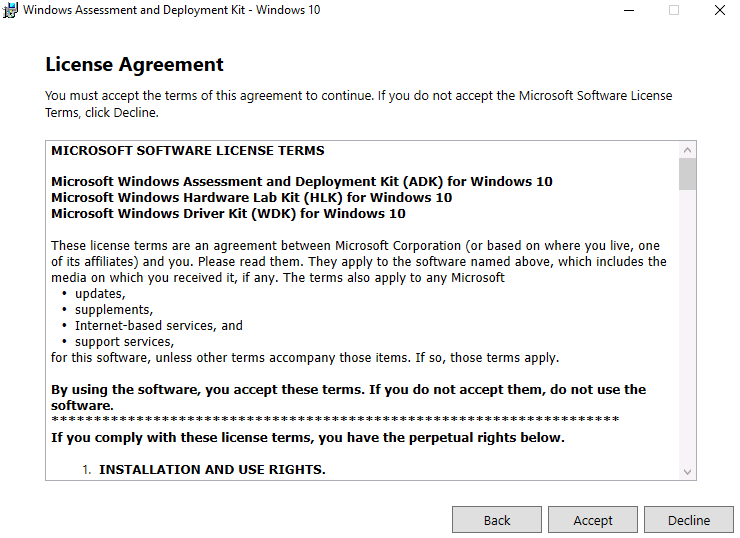
Click Accept on the license terms...
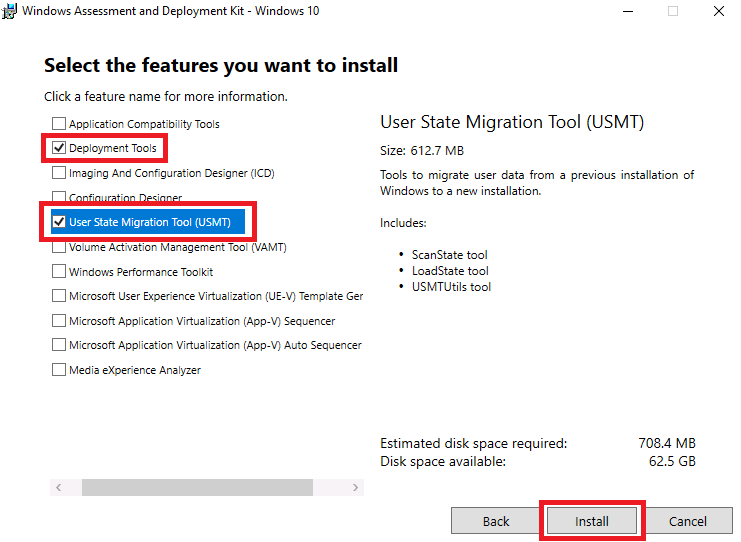
Select the Deployment Tools and User State Migration Tool (USMT) and click Install.
Click Close when the installation is complete.
Next launch the adkwinpesetup_1903.exe installation: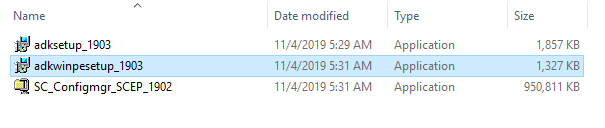
This will be the exact same presses before. Click Next until you get to the install page, then click Install.
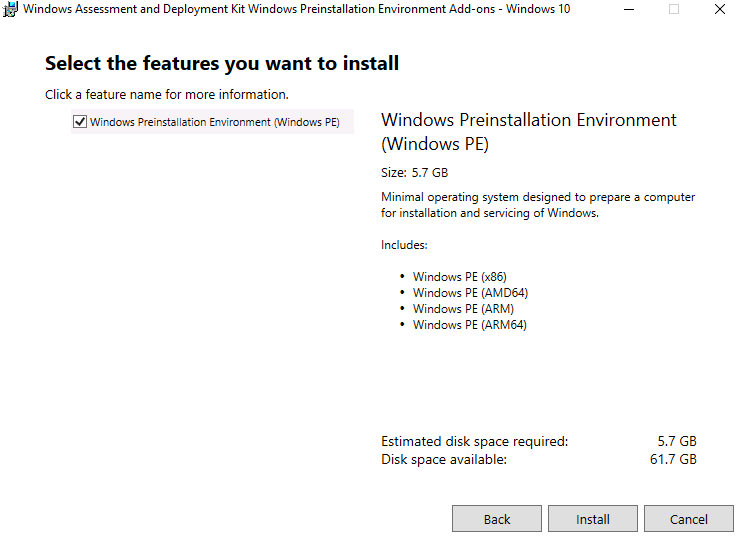
Click Close when the installation is complete.
Now we are done installing the ADK and ADK PE.
No comments yet. Add the first comment to start the discussion.