
Creating Boundary and Boundary Groups
SCCM boundaries and boundary groups allow you to logically organize your network locations similar to Active Directory Site Services. They define network locations to
**Boundaries **can be defined as an IP subnet, IPv6 prefix, an IP address range or an Active Directory Site.
Boundary Groups allow you to “group” together multiple boundaries for SCCM client use. Clients will use their current network information (such as subnet, IP or ad site) to identify which boundary groups they belong to.
This is all done in the name of efficiency. If you have SCCM servers in both Georgia and Colorado - you might create a boundary for each state, and a boundary group for each state. Any client that falls within one of these boundary groups will then use the resources available to them in those boundaries.
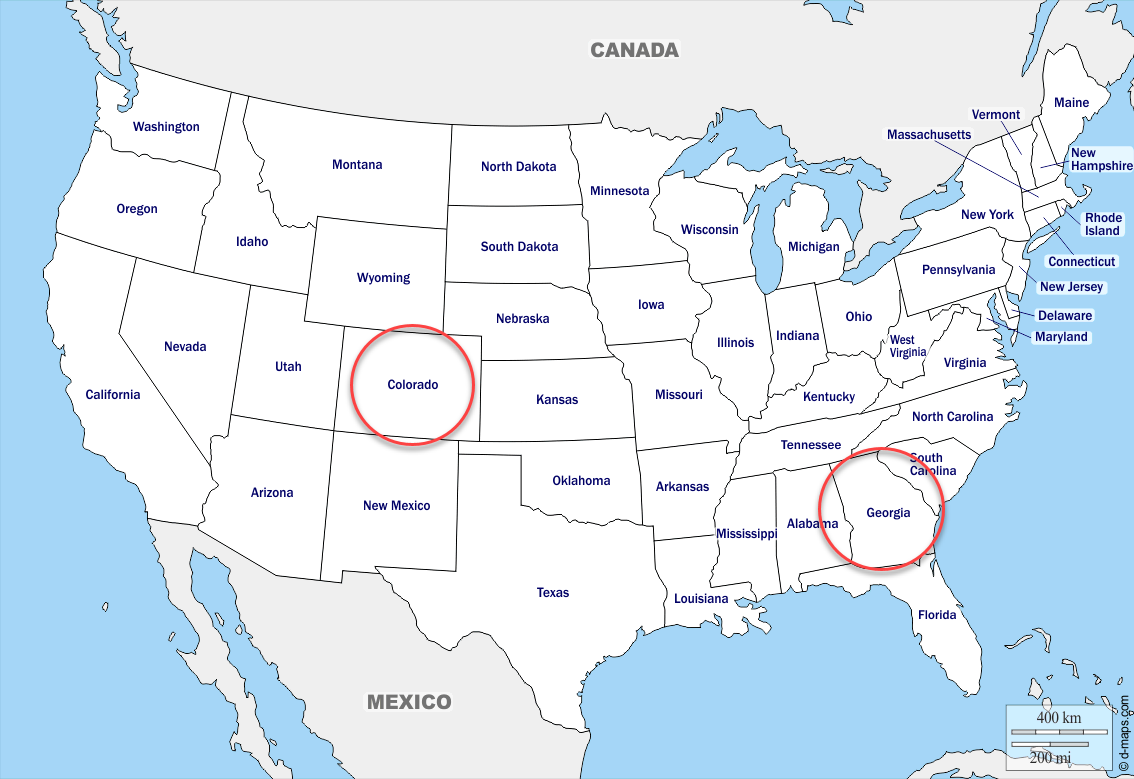
This is better than the alternative of having a client in Georgia reaching out to an SCCM server in Colorado and vice versa.
In the SCCM console, select Administration > Hierarchy Configuration > Boundaries:
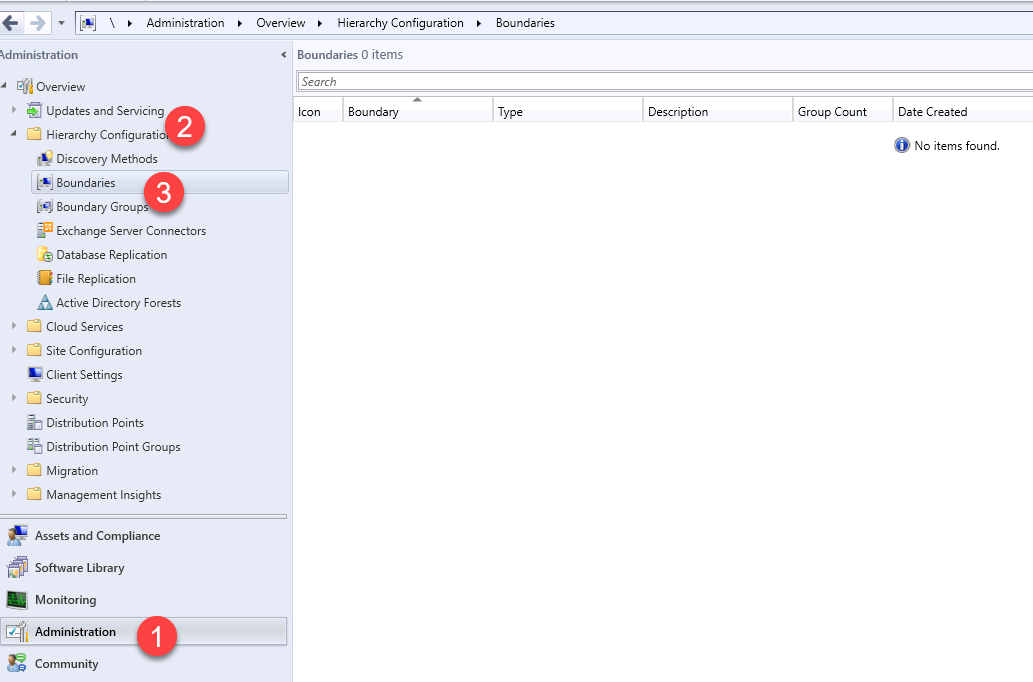
We can create a new boundary by right-clicking and selecting Create Boundary:
I’m going to give it the name Server Academy Boundary. Next under the type I am going to select Active Directory Site so that it uses the same information as Active Directory Sites and Services.
In this particular lab I haven’t done any configuration in ADSS, so I will just have the Default-First-Site-Name site. This could (and probably should) be configured before hand on your domain controller - but ADSS is out of the scope of this lesson so we are just going to go with the first default site.
No comments yet. Add the first comment to start the discussion.