
Configuring our SAWS01 Workstation
In this lecture, we will be configuring our SAWS01 Windows 10 workstation. We are going to do this by renaming the computer and joining it to our domain.
I just logged into the computer and I have a popup window that asks me if I want to be discoverable by other PCs I’ll just click Yes.
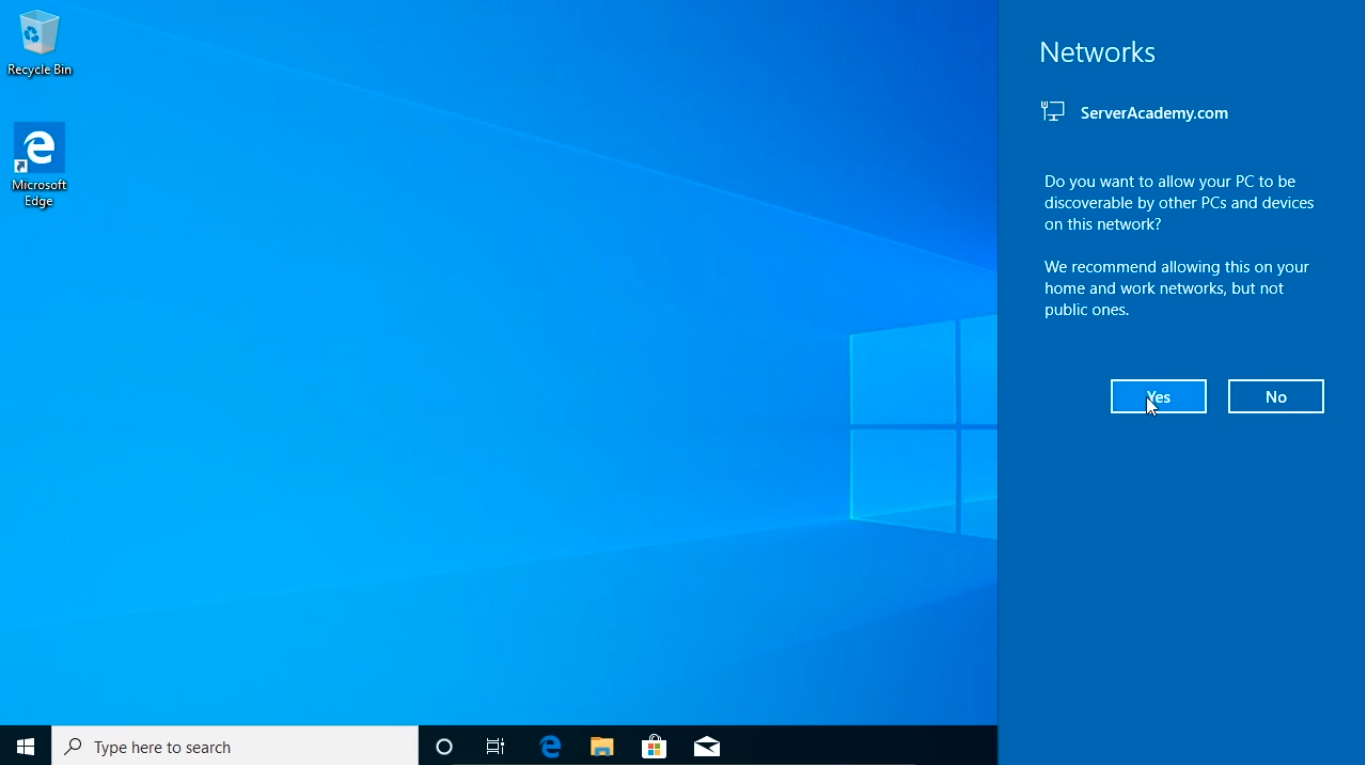
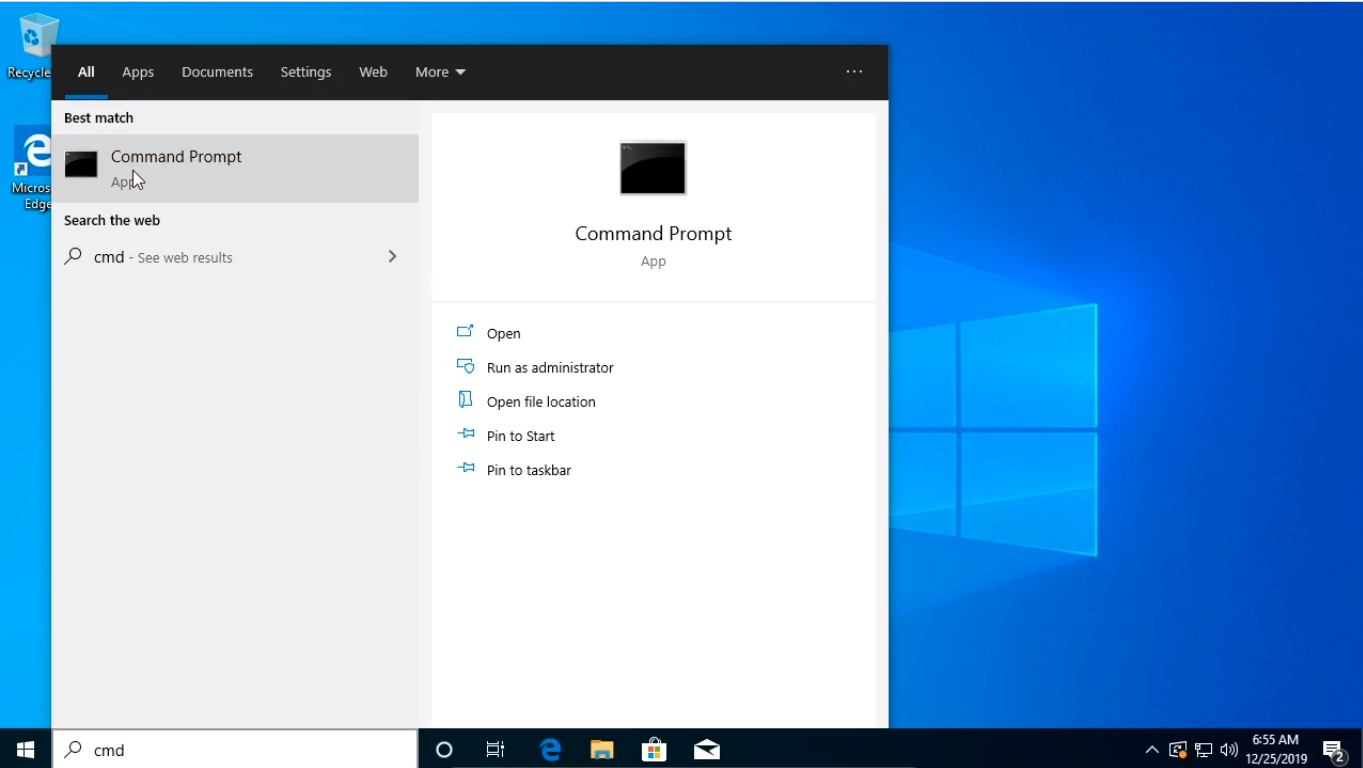
I am going to click the Start button and just check out the IP configuration that this computer has. So I’ll type in cmd. It should be receiving an IP Address from our DHCP server which is SADC01.
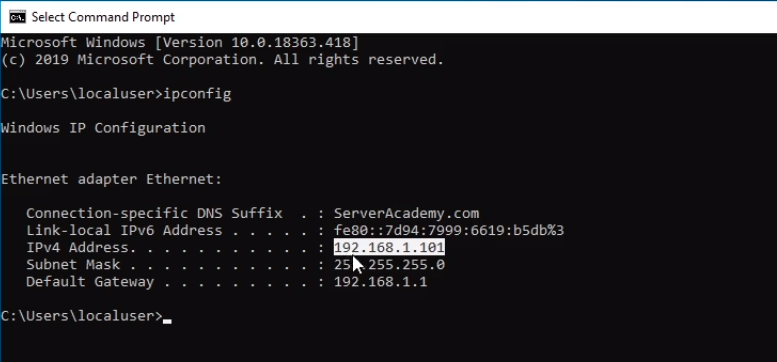
Let’s just type in ipconfig and press Enter to make sure it has the correct IP information.
We have an IPv6 address which we don’t really need and we can turn that off if we would like.
Here we can see we have an IP Address of 192.168.1.101 which fall within the DHCP scope of .100 to .200 that we have configured earlier.
We have the Default Gateway, and it looks like we are connected to the Internet.
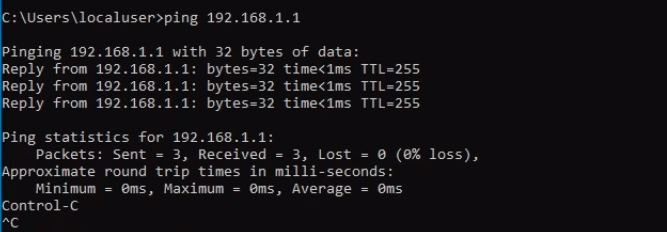
But we can just test this by pinging the Default Gateway, and it looks like that’s working.
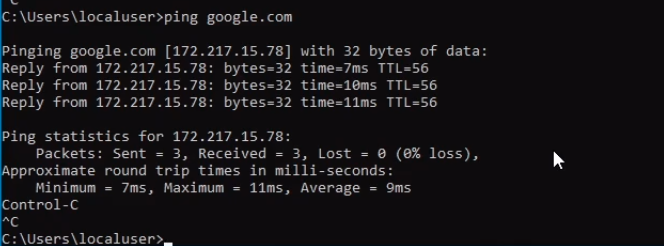
And we can ping google.com. Again that is working
One last thing we can try is to ping the Domain Controller which may or may not work depending on your firewall settings, but if you remember it was 192.168.1.10 so if we press Enter I am able to see I am getting a reply.
Now if you don’t get a reply that doesn’t necessarily mean your connection is broken, it could be a firewall setting, there could be a lot of reasons why this might not wo…
No comments yet. Add the first comment to start the discussion.