
Endpoint Protection Policy Overview
- **What is a policy? **
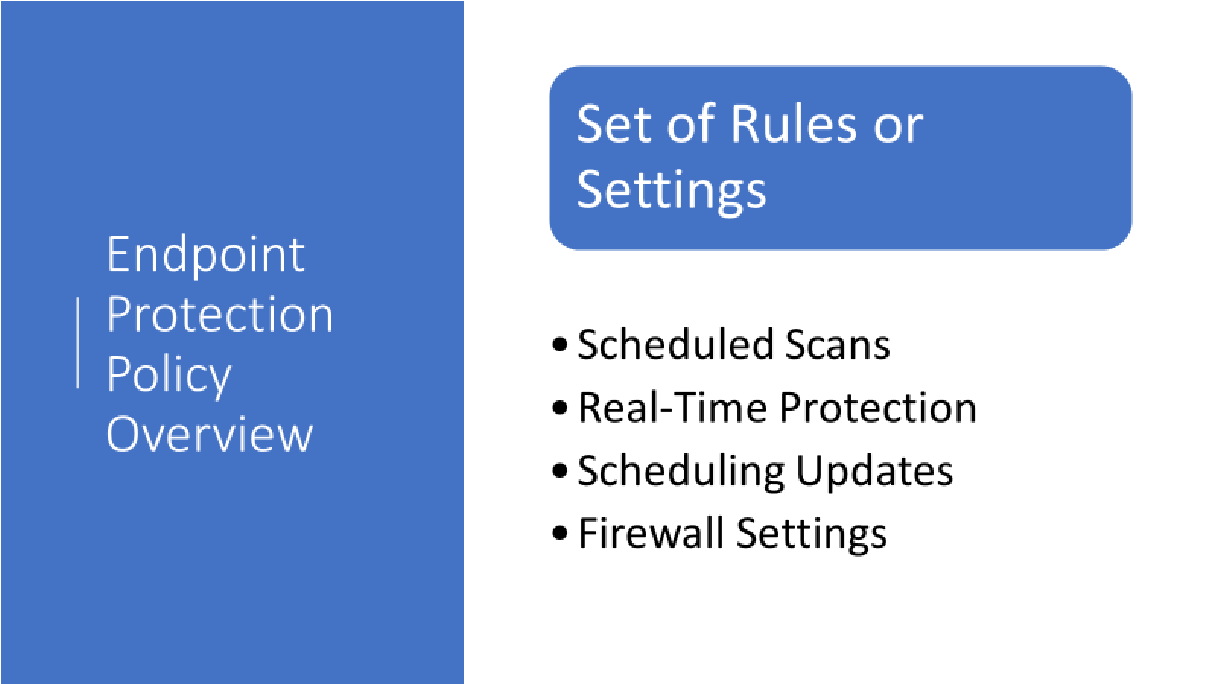
A policy is a set of rules or settings that are applied to potentially thousands of clients all at once.
- What settings are we talking about? For example, setting up scheduled scans, turning on and off real-time protection, scheduling updates, firewall settings among others.
- If you have thousands of computers to manage there is no way you would want to manage settings on all those computers individually, right? That is what policies are used for.
- In configuration manager Endpoint Protection, you can use the default antimalware policy to deploy these settings to every device in your organization or you can create a custom policy and deploy settings to individual device collections in your organization.
From the SCCM Console, Workspace, click Assets and Compliance , From the Navigation Pane click Endpoint Protection , then click Antimalware Policies. There are two policies, one is the Default Client Antimalware Policy and the other is a Custom policy called SCEP Standard Desktop Policy. In this overview, we will briefly describe both policies.
The Default Client Antimalware Policy (Open Console)

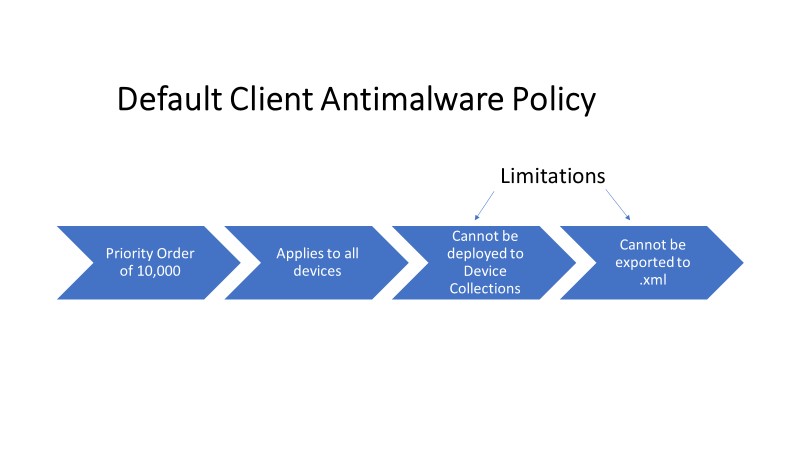
- Notice that the Default Client Antimalware Policy has a priority order value of 10,000 We will talk more about priority orders in a moment.
- Default policy settings apply to all devices in the hierarchy.
- The default policy can be modified and those modified policies are called custom policies.
Default Policy Limitations
- Cannot be deployed to a device collection, a device collection is groups of computers.
- The default policy cannot be exported to a…
No comments yet. Add the first comment to start the discussion.