
Configuring SADC01
In this lecture, we will be configuring our Windows Server 2019 Domain Controller SADC01.
Now, I logged into the Domain Controller and I am brought to the Desktop. Here’s a message about the Windows Admin Center, I am going to click on Don’t show this message again and close the window from the X corner.
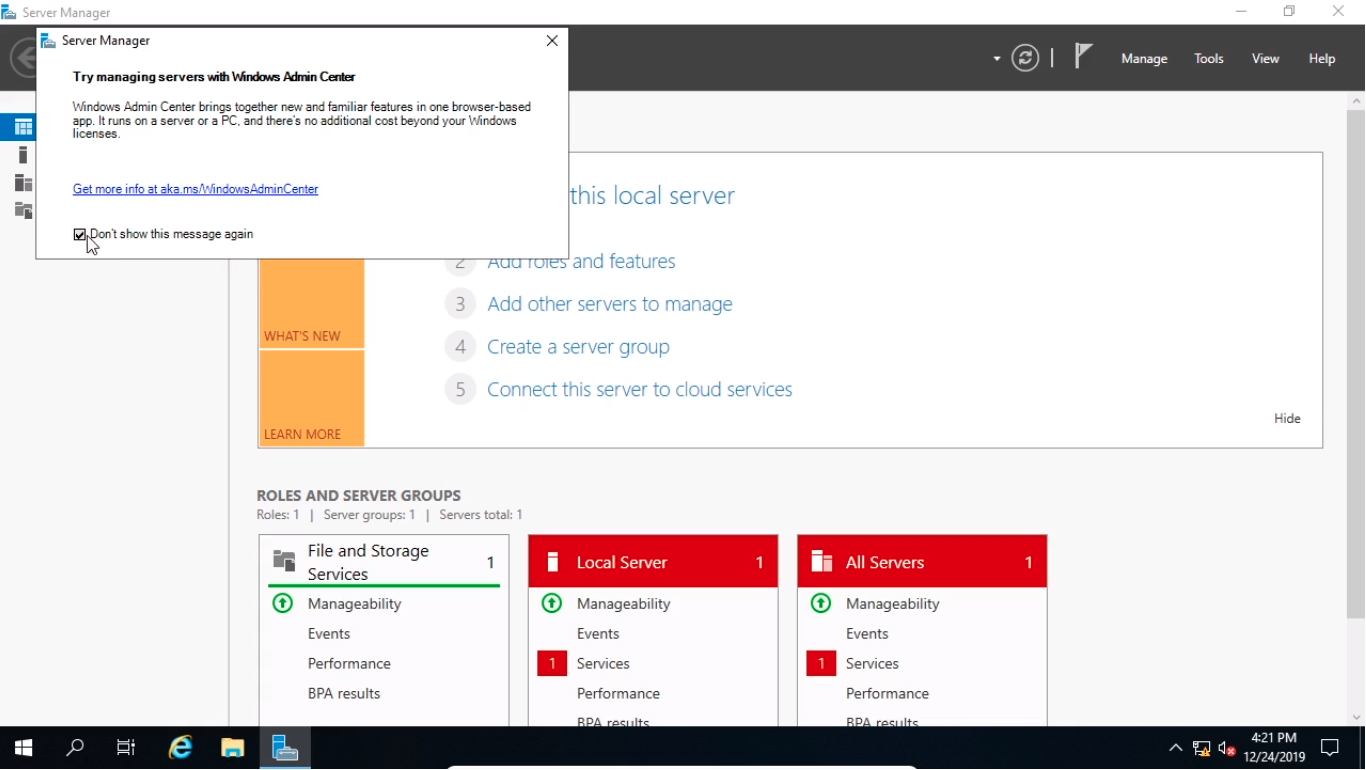
Now, let’s get started by naming the server. Select Local Server from the left.
From the Computer name, I am going to click on this blue text.
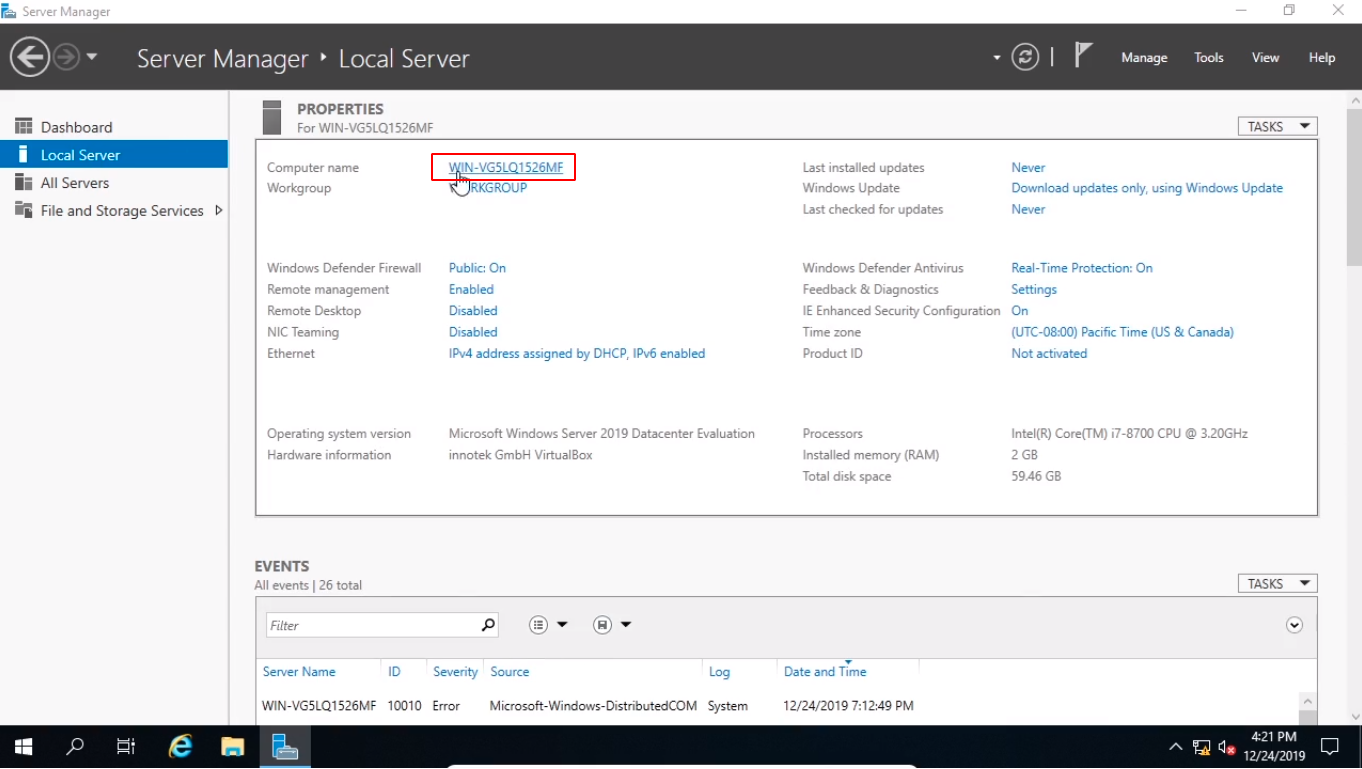
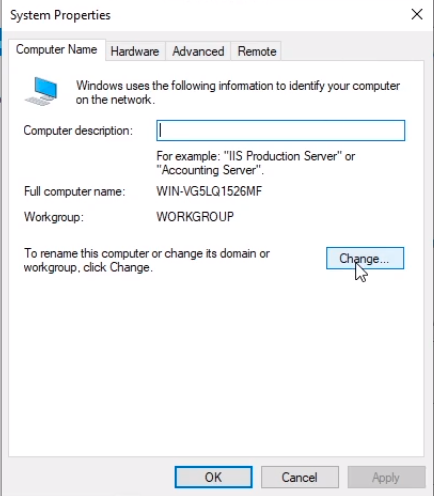
And I am going to click on the Change button.
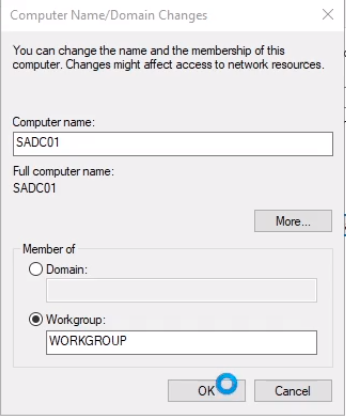
From here I am going to type the name of the Domain Controller which is SADC01 and I am going to click OK.
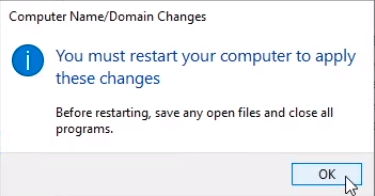
Click OK on the pup-up window.
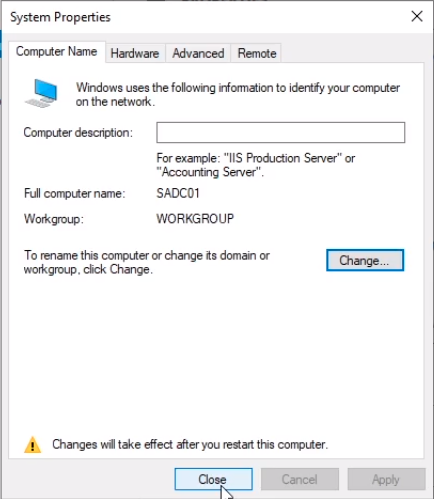
And click Close.
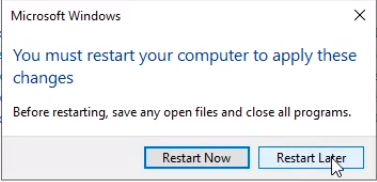
And I am going to Restart Later.
Next, let’s configure a Static IP Address.
So here where it says Ethernet we are going to click on the IPv4 blue text.
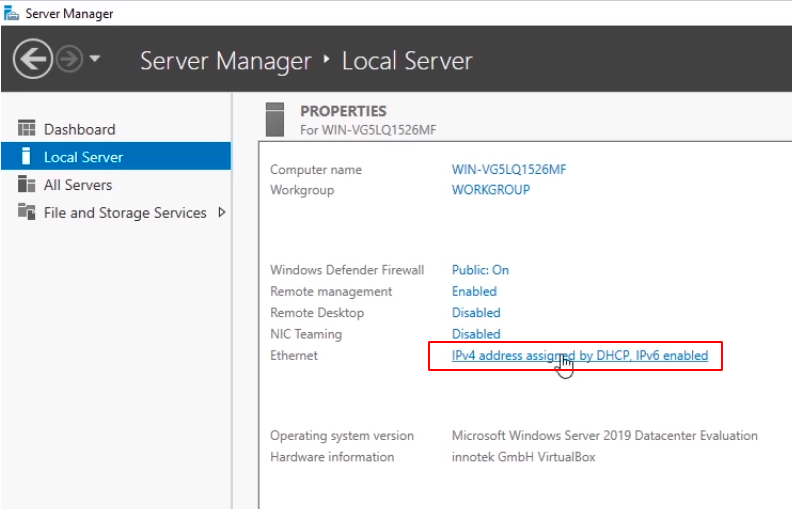
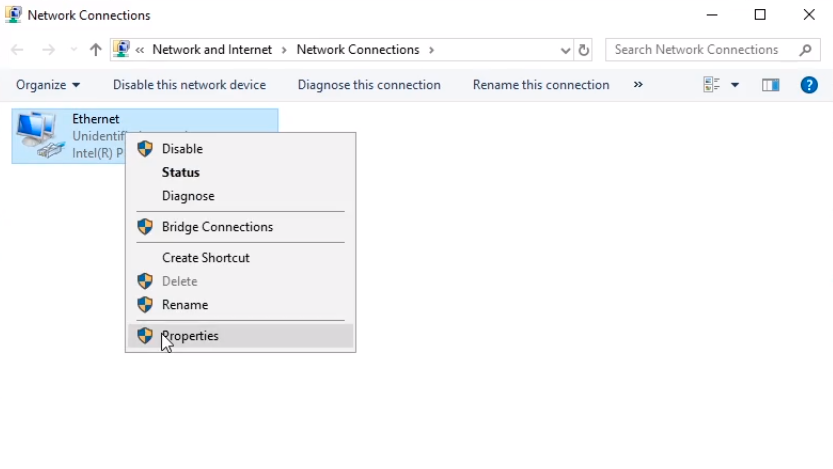
I am going to right-click on Ethernet and choose Properties.
Next, what we are going to do is disable Internet Protocol Version 6 (TCP/IPv6) by unchecking the checkmark next to it.…
No comments yet. Add the first comment to start the discussion.