
Installing ADK 1903
- Now we need to install the ADK 1903 and Windows PE on our SCCM server.
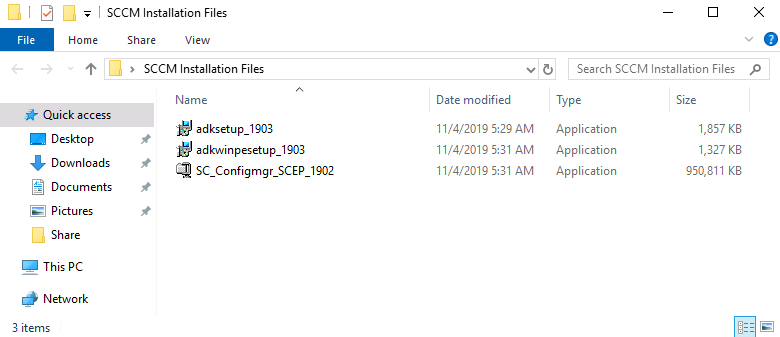
- Let’s start by launching the adksetup_1903.exe installer file.
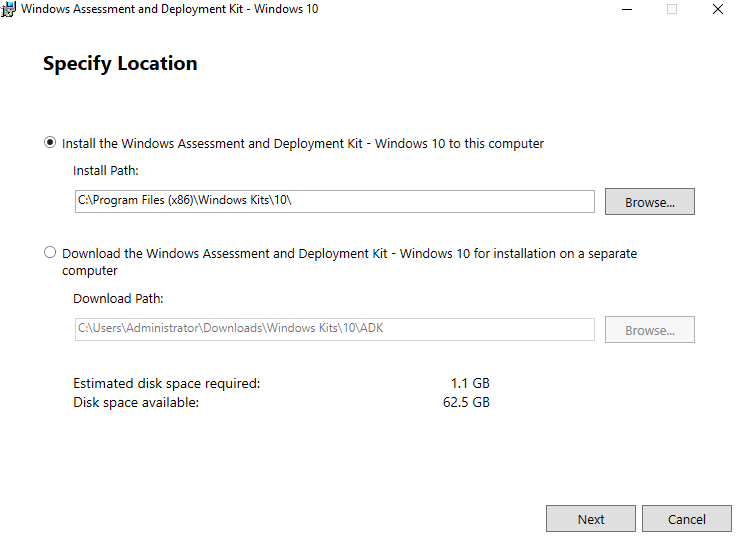
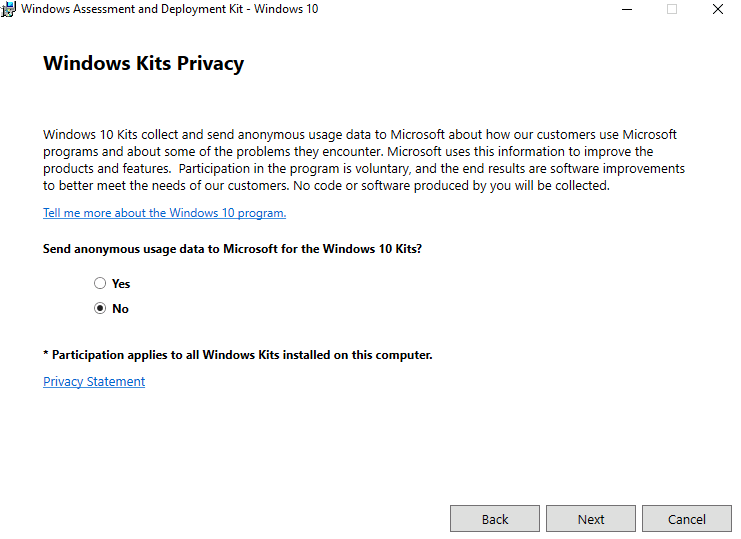
- Click Next and then decide whether or not you want to send anonymous usage data to Microsoft then click Next
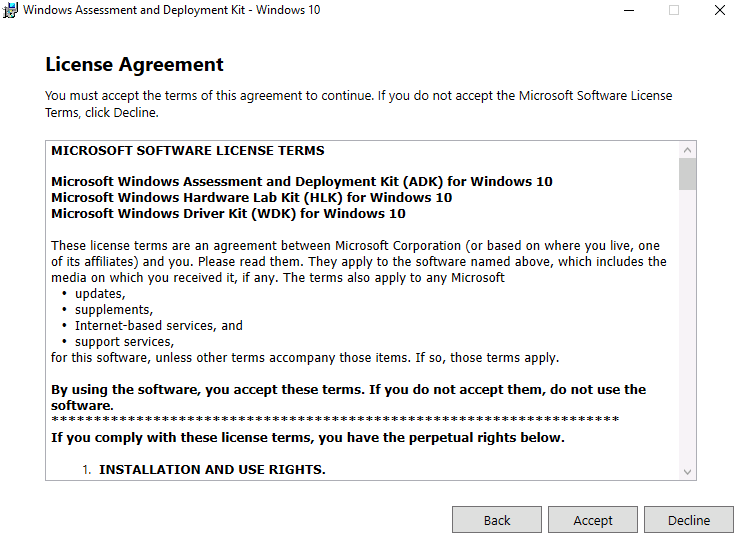
- Click **Accept **on the license terms...
-
Uncheck all the selections except Deployment Tools and User State Migration Tool (USMT) and click Install.
-
The Deployment Tools include DISM, WinPE. These tools are used for capturing servicing and deploying boot images and operating systems.
-
USMT – is used for backup and restoring user state and data from one computer to another.
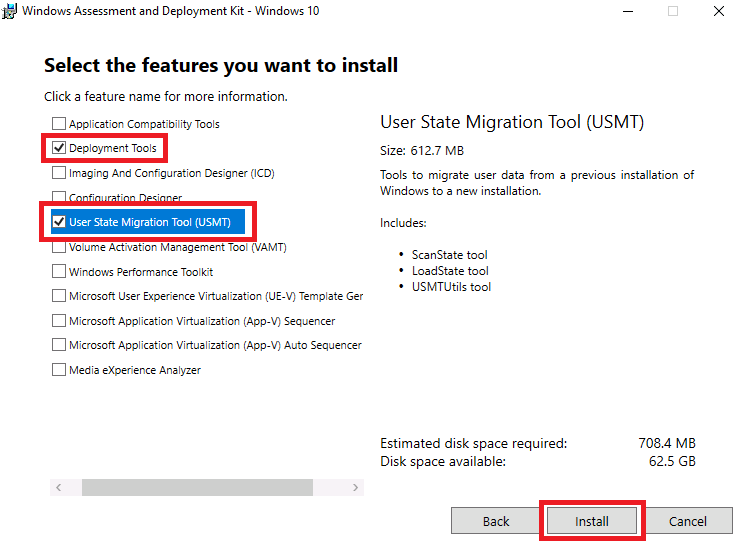
- Then click install.
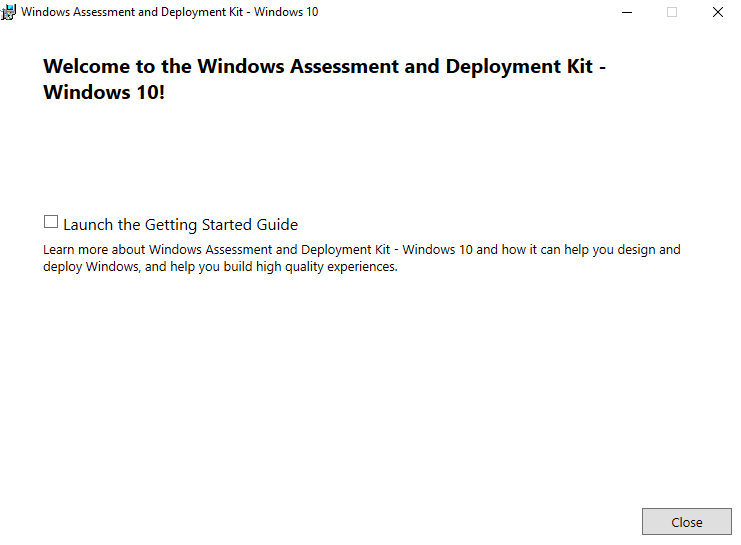
- Click Close when the installation is complete.
- Next launch the adkwinpesetup_1903.exe installation:
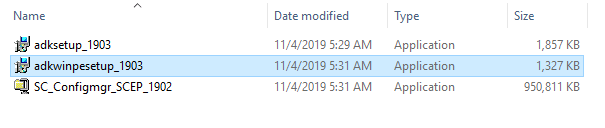
- This will be the exact same process as before. Click Next until you get to the install page
- Then select the features that you want. And by default, we will select the Windows Preinstallation Environment
![](https://zrftqtvkikjkbtkfalgp.supabase.co/storage/v1/object/public/lesson-i…
No comments yet. Add the first comment to start the discussion.