
PowerShell Variables
In this lecture, we are going to learn about PowerShell variables.
So, we are going to do most of our work today in the PowerShell ISE, although you can use either one that you want.
So, what I am going to do is open up the ISE.
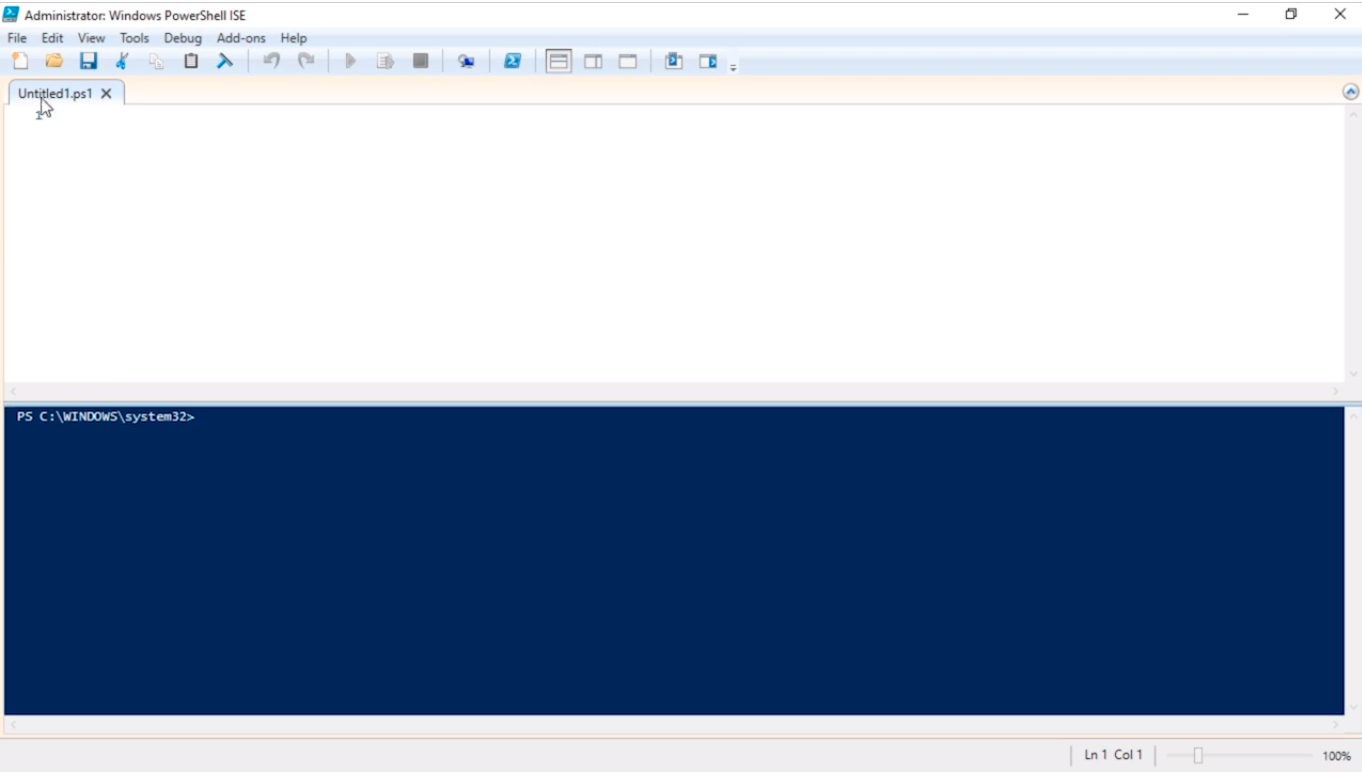
One thing to keep in mind is that I am running this as an Administrator, and this is important because some of you might have PowerShell execution policies that may block scripts, so one way to get around that is to run the PowerShell as an Administrator and you can change the execution policy.
Again, we are not going to get into that in this lecture, but just so you understand how my environment is set up I wanted to make sure I am in that clear.
So, first, let’s talk about what is actually a variable? Well, is something that is not fixed or doesn’t have a fixed pattern and is liable to change, right?
So, in our old math classes we learned x = 1 and if we do x + x = 2, and x * x = 1 because what we are essentially doing is basic math, we all understand what this actually means.
Well in PowerShell also use variables, and we won’t only be using them to store basic math like basic integer numbers. We can also store strings and different things like that and it is extremely useful. So just let’s get right at it and get started.
So, how do you actually declare a variable? Well, in PowerShell is as simple as using the dollar sign $ or pressing the SHIFT+4 key combination and then declaring the name, so we can type:
$MyVariable
And, if we run this in ISE hitting Play we will see initially just declared a variable (1). Now, if we echo the variable typing on the bottom pane in Powershell:
echo $MyVariable
We are going to get a blank output (2) because we haven't assigned any type of value to my variable.
![](https://zrftqtvkikjkbtkfalgp.supabase.co/storage/v1/object/public/lesson-images/3be74baacd81fa80.…
No comments yet. Add the first comment to start the discussion.