
Installing VirtualBox Guest Additions
In this lecture, we are going to install the Oracle VM VirtualBox Guest Addition tools.
Now, this is something specific to VirtualBox so if you are using a different virtualization technology like VMWare or Citrix for example, what you need to do is install their own guest additions.
Basically, what it is, is software that allows your VM to work better with the Host computer.
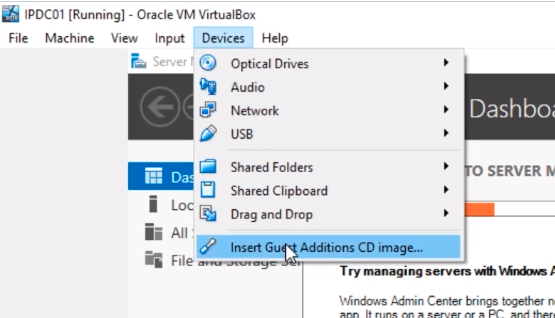
So, what I am going to do on VirtualBox is very simple. What I am going to do is choose Devices > Insert Guest Additions CD Image…
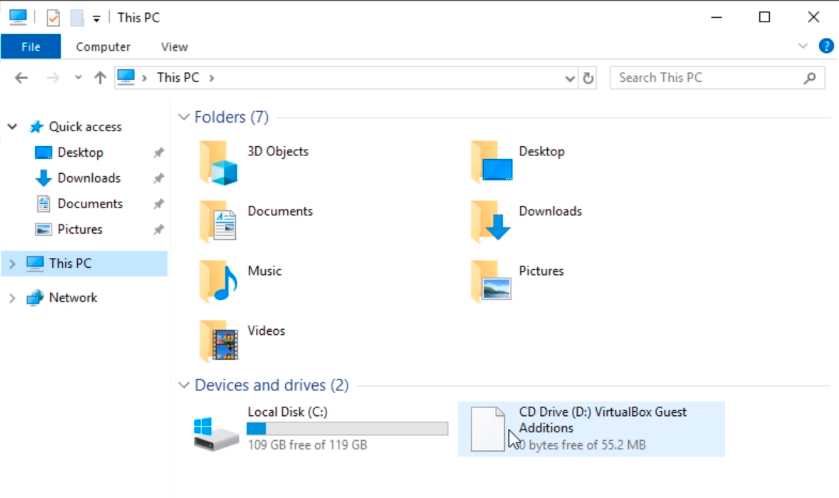
I am going to click the File Explorer down from the Taskbar and click This PC and double-click CD Drive (D:) VirtualBox Guest Additions.
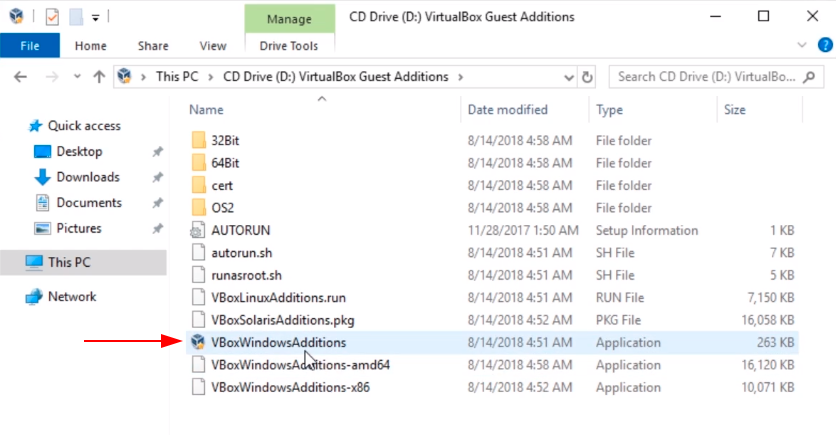
We are going to double-Click on VBoxWindowsAdditions
Now, we are going to click Next.
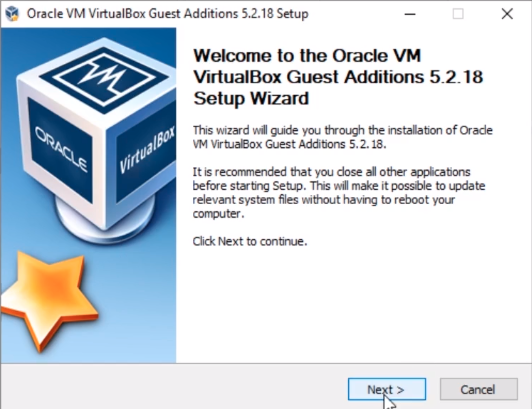
And, we are going to click on Next.
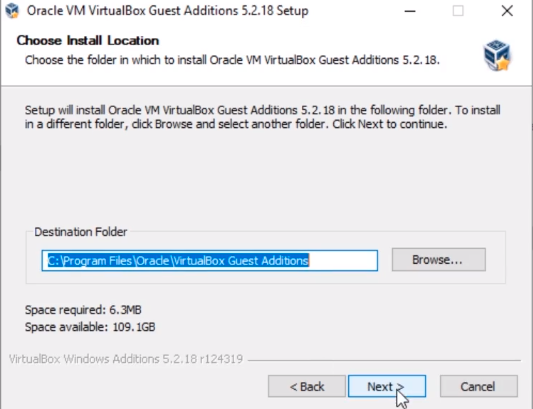
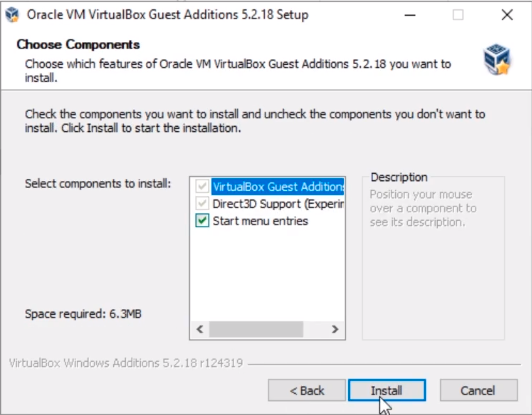
And, click Install
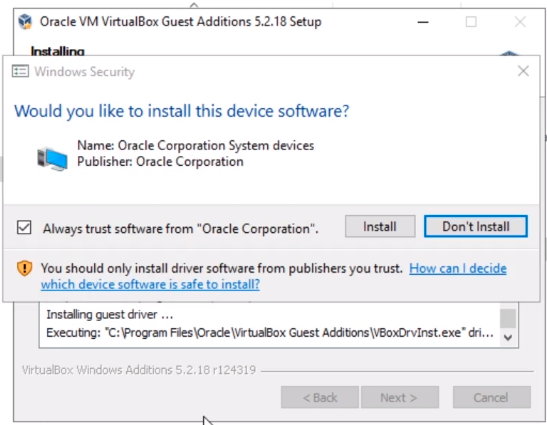
Halfway through the installation, we should get a prompt asking us if we want to install device drivers.
Click Install.
The installation is now done so what we need to do now is Reboot now and click Finish.
![](https://zrftqtvkikjkbtkfalgp.supabase.co/storage/v1/object/public/lesson-images/5b628914a6445…
No comments yet. Add the first comment to start the discussion.