
Configuring PowerShell Execution Policy with Group Policy
In this lecture, we are going to configure our Script Execution with Group Policy.
Now, first I want to talk about what are Script Execution Policies? Also known as Execution Policies.
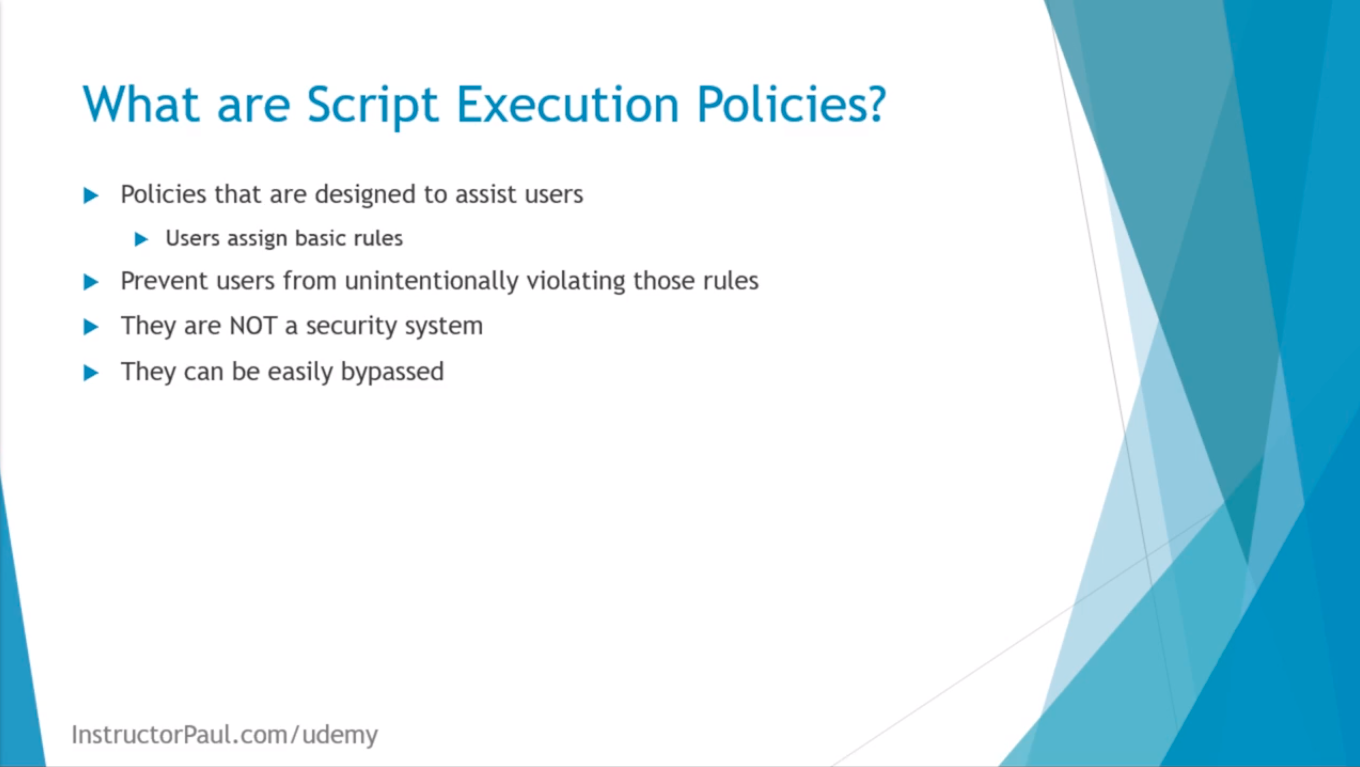
These are policies that are designed to assist users. So, users assign basic rules, and the Execution Policies are designed to prevent users from unintentionally violating those rules.
So, Script Execution contrary to what you might think is NOT a security system, and it can be easily bypassed.
So, with that being said I am going to hop to my server IPDC01, and I am going to show you how to configure a Group Policy Object so that we can execute scripts.
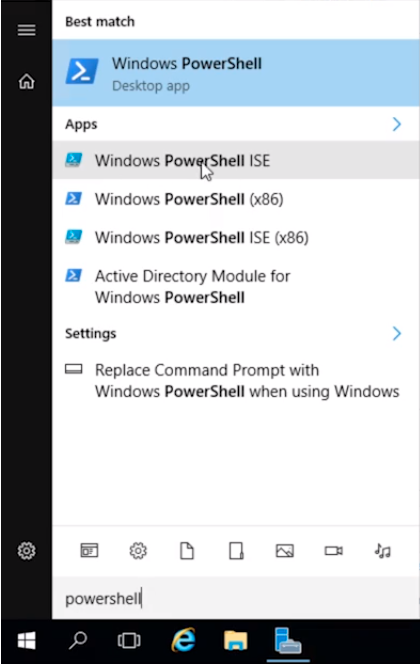
What I am going to do is open the PowerShell ISE by clicking on the lower-hand side of the screen, and I am going to type powershell. Next, I am going to select the Windows PowerShell ISE.
Here I am going to type a simple command like:
echo “Test”
And, I am going to click the Run button up here. We can see that it successfully completes the script.
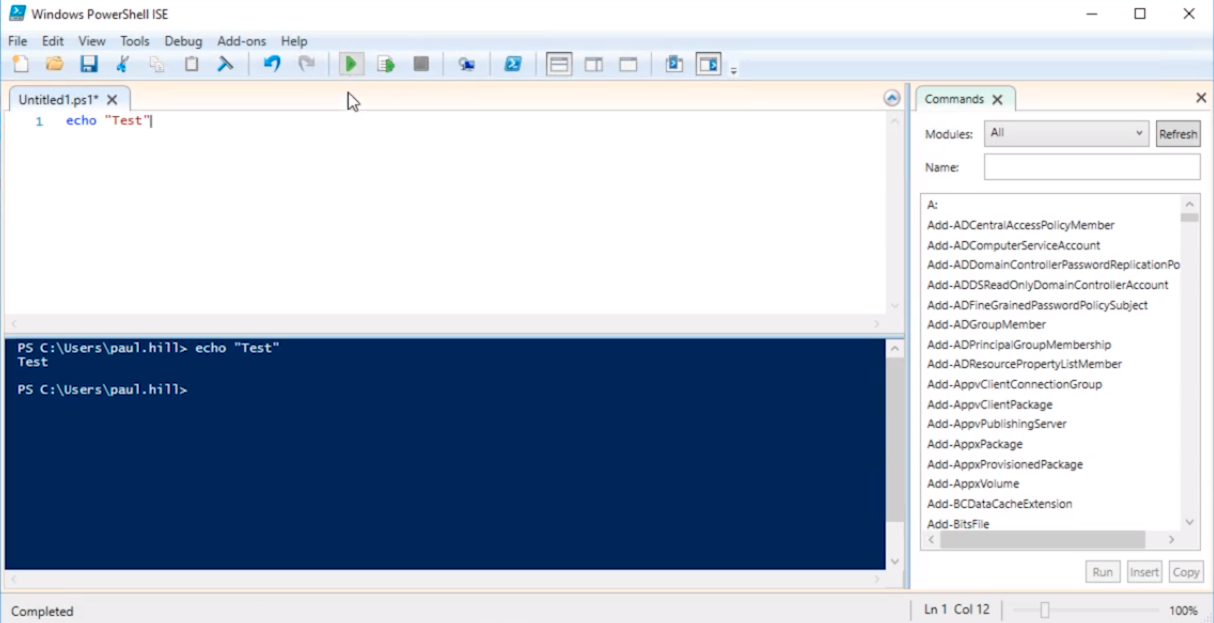
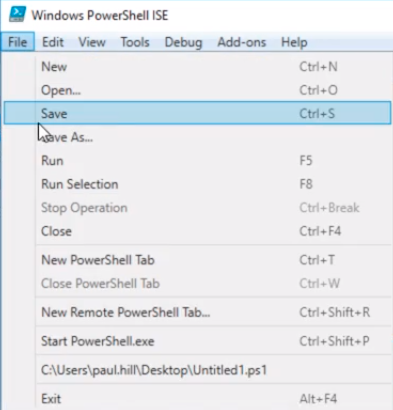
And, You’ll notice there’s a * next to the name in the tab Untitled1.ps1*. This means we have unsaved changes. So what I am going to do is save the script by clicking File > Save.
And, I will just save it to my Desktop and will leave it named Untitled1 and click Save.
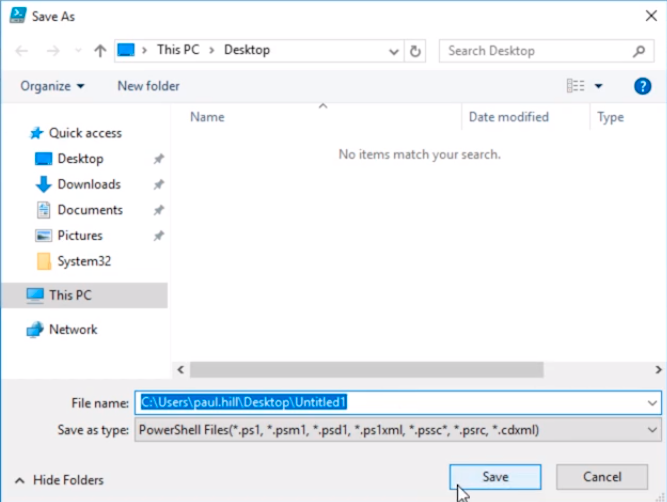
So, now we have our script saved. If I click…
No comments yet. Add the first comment to start the discussion.