
For Each Loop
In this lecture, we are going to discuss PowerShell For Each loop.

Open the PowerShell ISE as an Administrator.
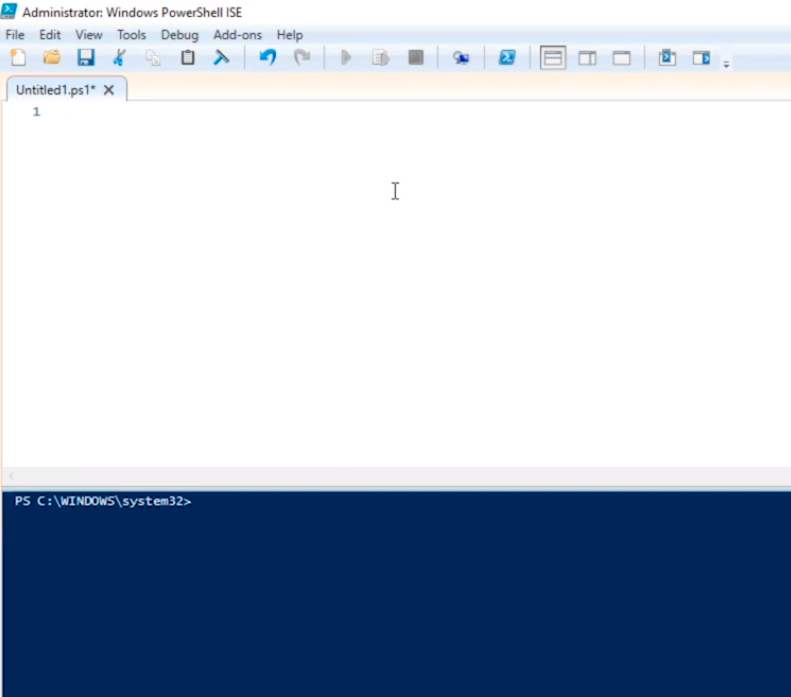
We are going to go ahead and start by discussing what a For Each Loop is.
Now, this is a loop that is specifically made to iterate over elements stored inside of an array.
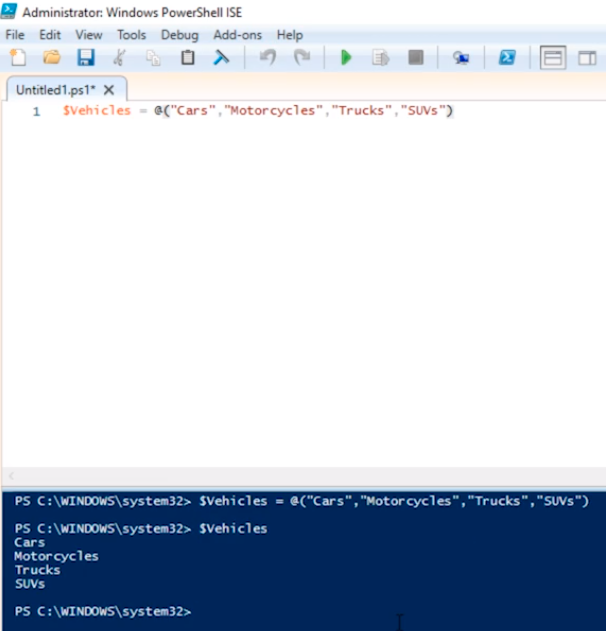
So, we take our array: $Vehicles = @(“Cars”,”Motorcycles”,”Trucks”,”SUVs”) and we execute it in PowerShell.
Type in $Vehicles and press Enter. We get the entire array of contents.
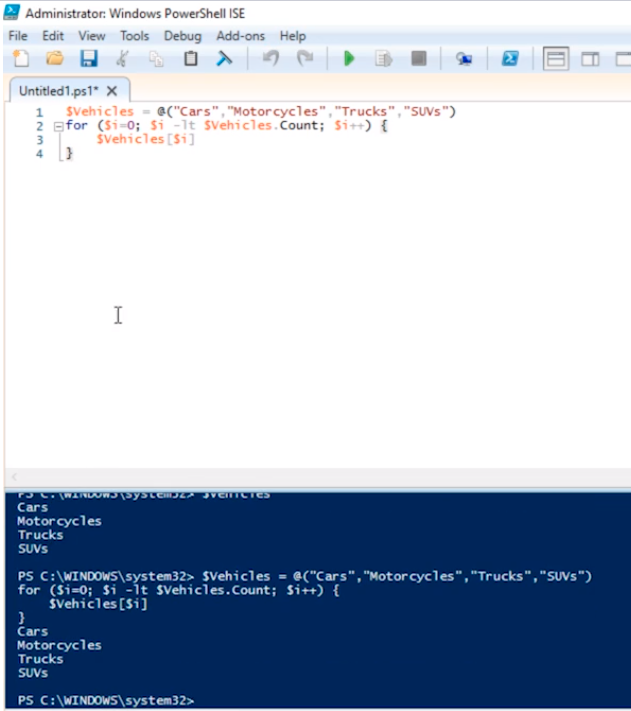
Now, if we want to iterate that through a For Loop we can type and execute the following:
$Vehicles = @(“Cars”,”Motorcycles”,”Trucks”,”SUVs”)
for ($i=0; $i -lt $Vehicles.Count; $i++) {
$Vehicles [$i]
}
Basically, it will show the same output as before but now in a For Loop.
We can further modify that and add the following to the script.
$Vehicles = @(“Cars”,”Motorcycles”,”Trucks”,”SUVs”)
for ($i=0; $i -lt $Vehicles.Count; $i++) {
echo (“Element $i = “ + $Vehicles [$i])
}
Execute the script.
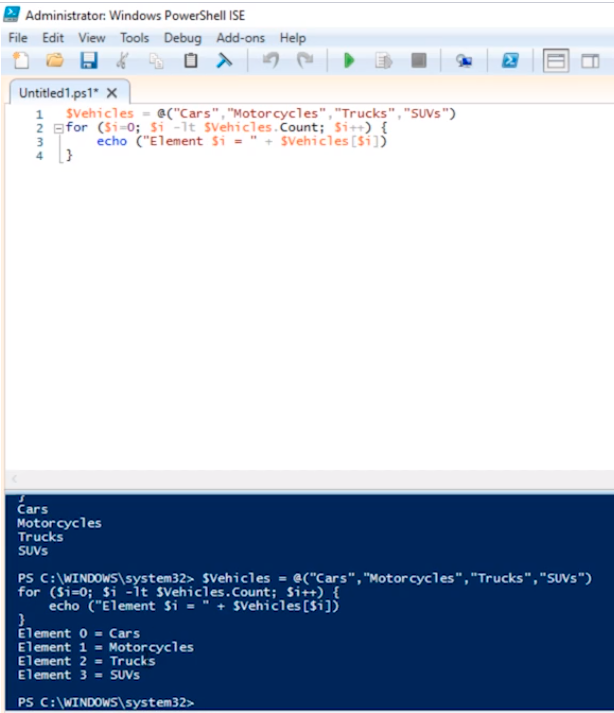
This is the way we would have done it before.
Now, inside of a For Loop or a For Each loop rather we can do things like this:
$Array = @(“Element1”,”Element2”)
ForEach($Element in $Array) {
$Element
}
Execute the script.
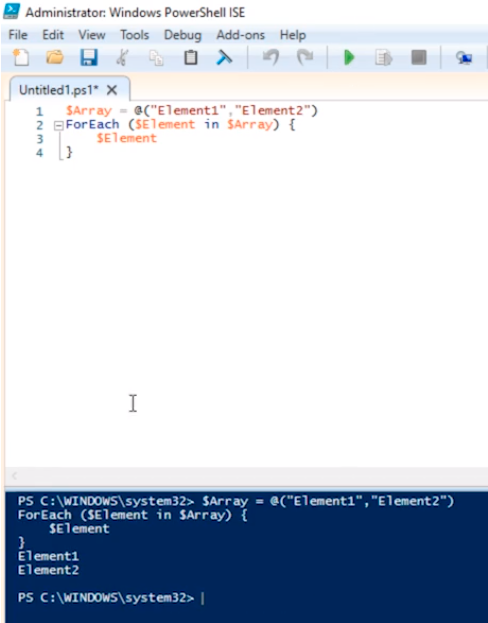
What we are doing here is assign a variable $Element, and this $Element represents whatev…
No comments yet. Add the first comment to start the discussion.