
Active Directory Sites and Services - Section Overview
IMPORTANT : You do NOT need to create any NAT networks if you're using the online Server Academy IT labs. We have already done that work for you.
In this lecture, we are going to be covering Active Directory Sites and Services.I am going to be giving you an introduction as to what Active Directory Sites and Services are and we are going to cover an overview of this section and what you are going to be learning.
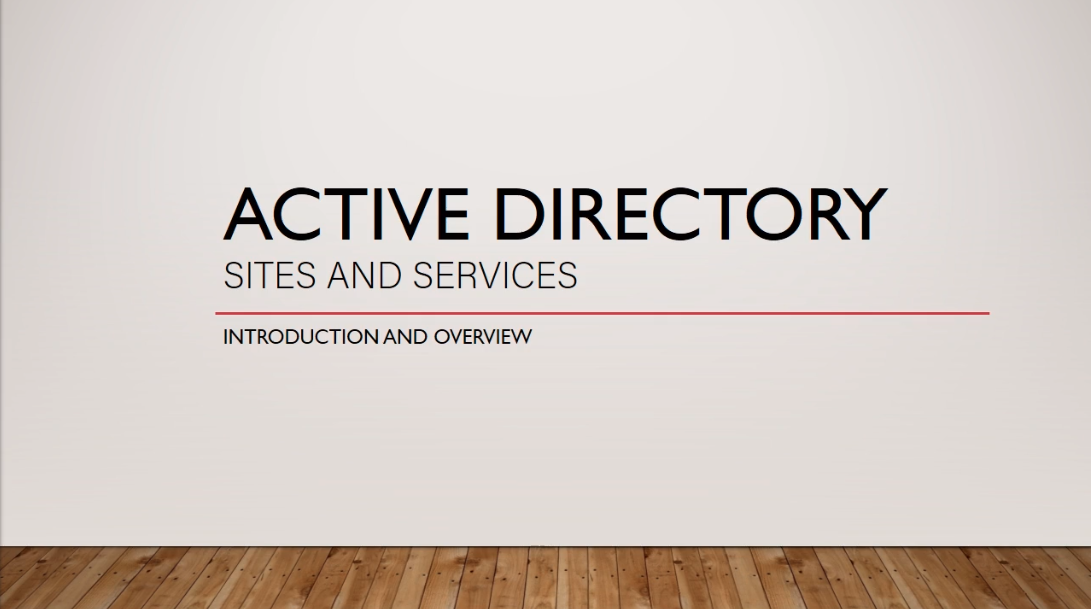
Now, let’s start with what Active Directory Sites and Services are. Put simply, it's a tool that allows you to organize your Domain Sites.
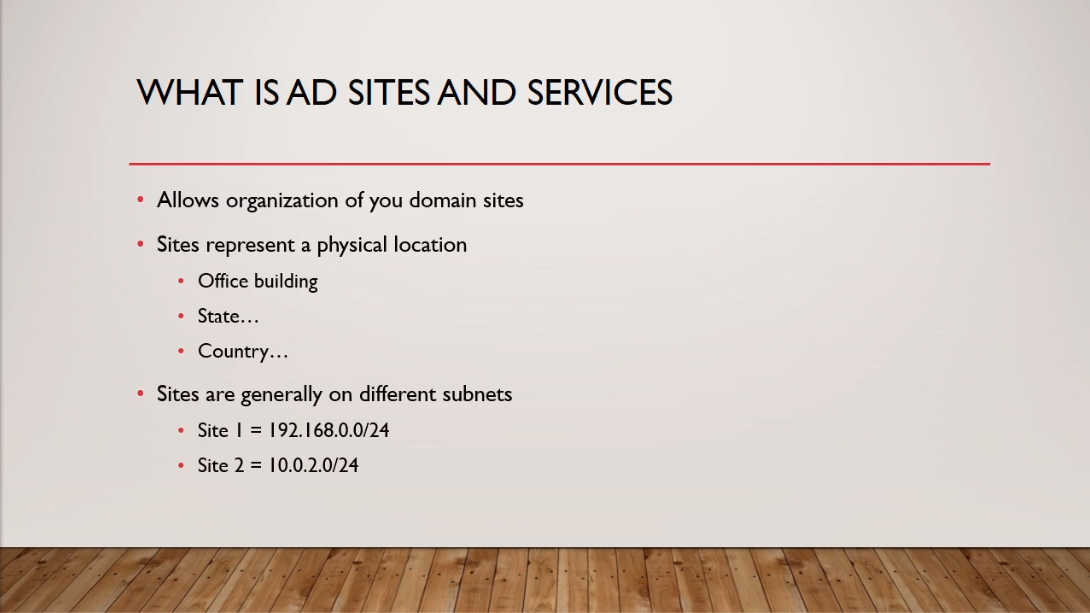
You might be wondering what a Domain Site is? Well, a Site represents a physical location. I like to think of this as an Office Building, it could be in a different state or a different country. So, let’s say you have these two office buildings and are located one in Virginia and one in New York. Each office building will represent a different Site.Now, Sites are generally on different subnets. So, Site 1 could be on a subnet 192.168.0.0/24, and Site 2 could be on subnet 10.0.2.0/24. These are just random theoretical subnet numbers that I am throwing out there. Generally, you have these workstations, these Sites, on two different subnets that are connected together.
So, you might be wondering, how do these Sites communicate? Well, these are generally physical networks that are connected, with a physical line to a router, say a VPN.
Now, Site Links are defined in Active Directory Domain Services and these are one of the key ingredients in connecting these different sites together.Also, Site Subnets automatically place devices in the appropriate Sites. So for example, we have in the diagram ITFDC01 located in New York and is on the 192.168.0.0/24 subnet and we also have ITFDC02 located in Bei…
No comments yet. Add the first comment to start the discussion.