
Window Trusts Explained
In this lecture, I am going to talk to you about Windows Trusts and help you understand what they are and how they work.

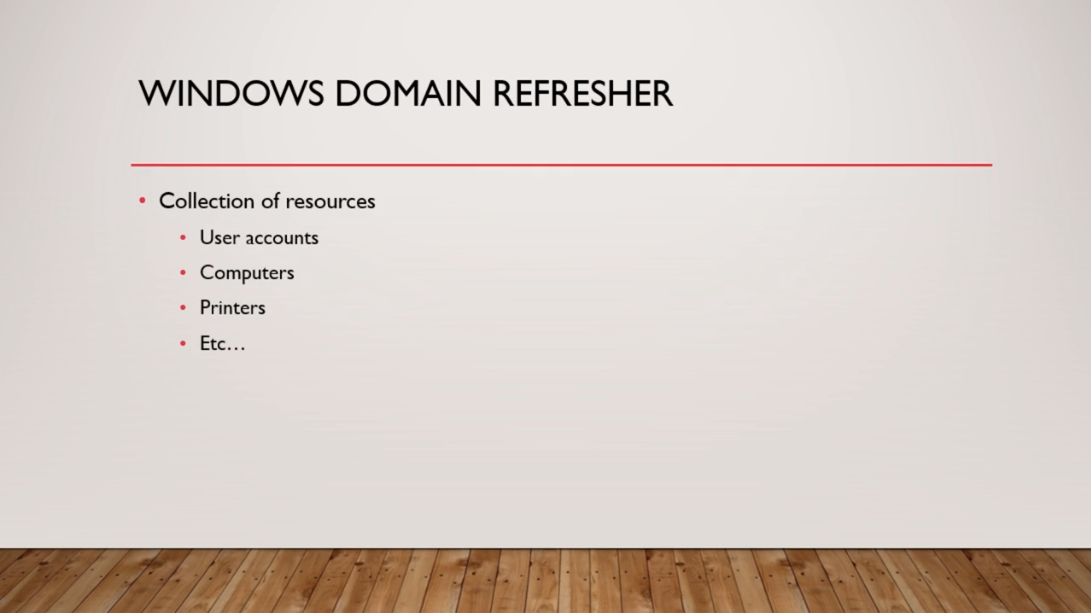
So, before we get started, let’s quickly talk about what a Windows Domain is.Now, as you know, a Windows Domain is like a collection of resources. User accounts, computers, printers, etc. So if I have my domain instructorpaul.com or itflee.com, then I am generally going to have User Accounts and Computers that are associated with that domain. It can also be printers and other types of resources.
Let’s talk about, What Is A Trust?
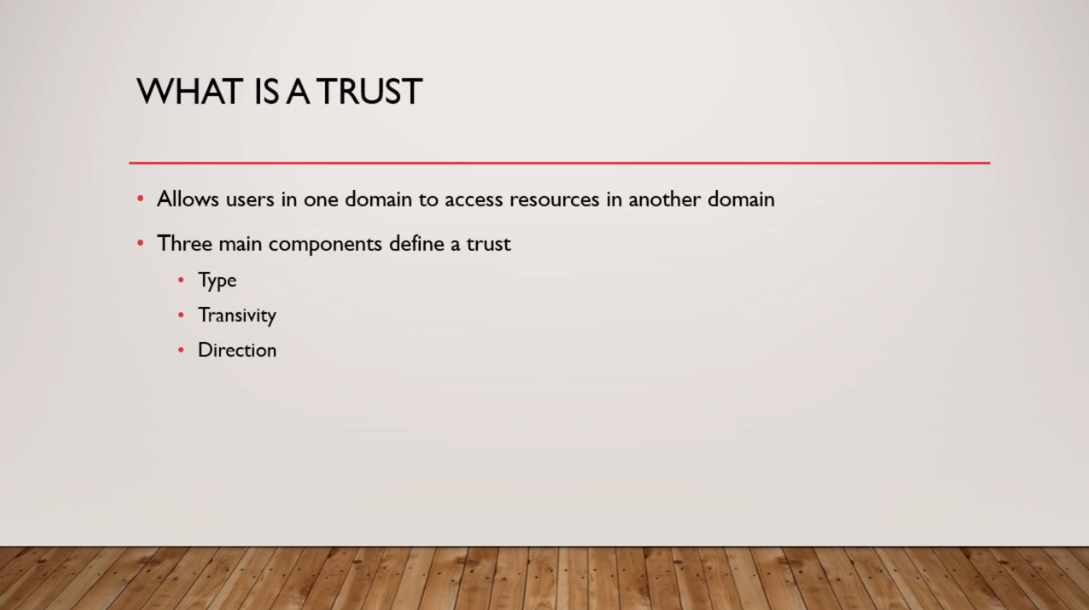
Now, a Trust allows users in one domain to access resources in another Domain. That is at the most basic level.There are three main components that define Trust. There’s the Type of the Trust, there’s Transitivity, and there’s the Direction of the Trust.
So, let’s talk more about the Type of Trusts.
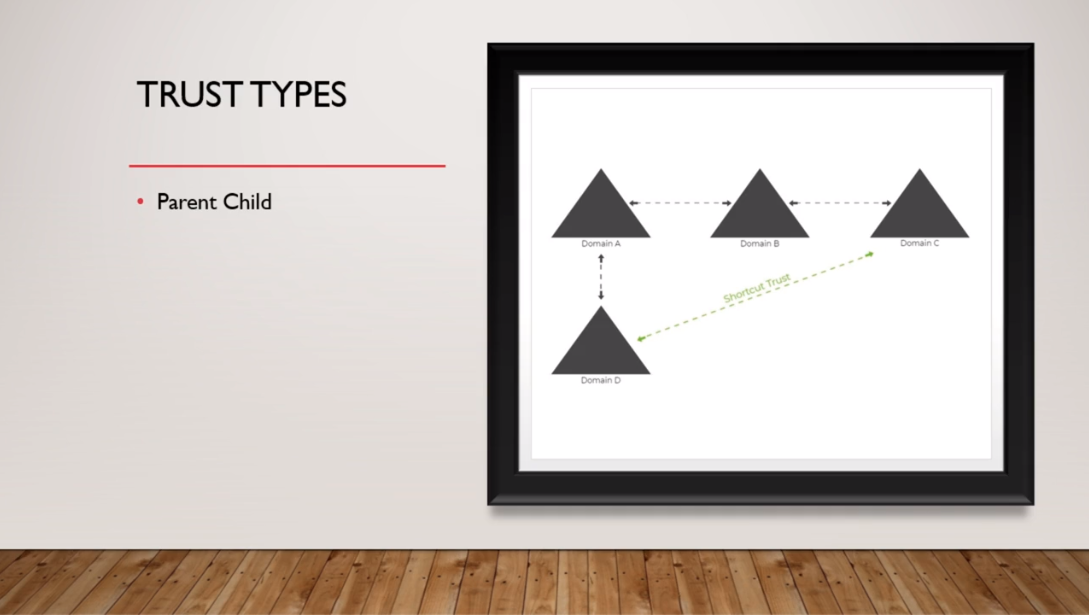
Now, the first type that we have is the Parent-Child type. This is the trust that is automatically created if you add a Subdomain.So, if I have Domain A and I create Domain D, and it's a Subdomain to Domain A, then there will be an automatic two-way Transitive Trust that will be created between Domain A and Domain D, and this would be a Parent-Child Trust.
So, if I have instructorpaul.com and I add a Subdomain called courses.instructorpaul.com that would be a two-way Transitive Trust automatically, created between instructorpaul.com and courses.instructorpaul.com.
Next, we have a Tree Root Trust which is also automatically created when a new Tree Root Domain is added to an exist…
No comments yet. Add the first comment to start the discussion.