
Windows Server Upgrade Paths and Pre-upgrade Checklist
In this lecture, you are going to learn about Windows Server Upgrades.
First, let’s talk about Upgrade Paths.
An Upgrade Path is how you get from one version of Windows Server to the next. It is not always a straight line. Sometimes there are multiple steps included and that’s what we are going to talk about right now.
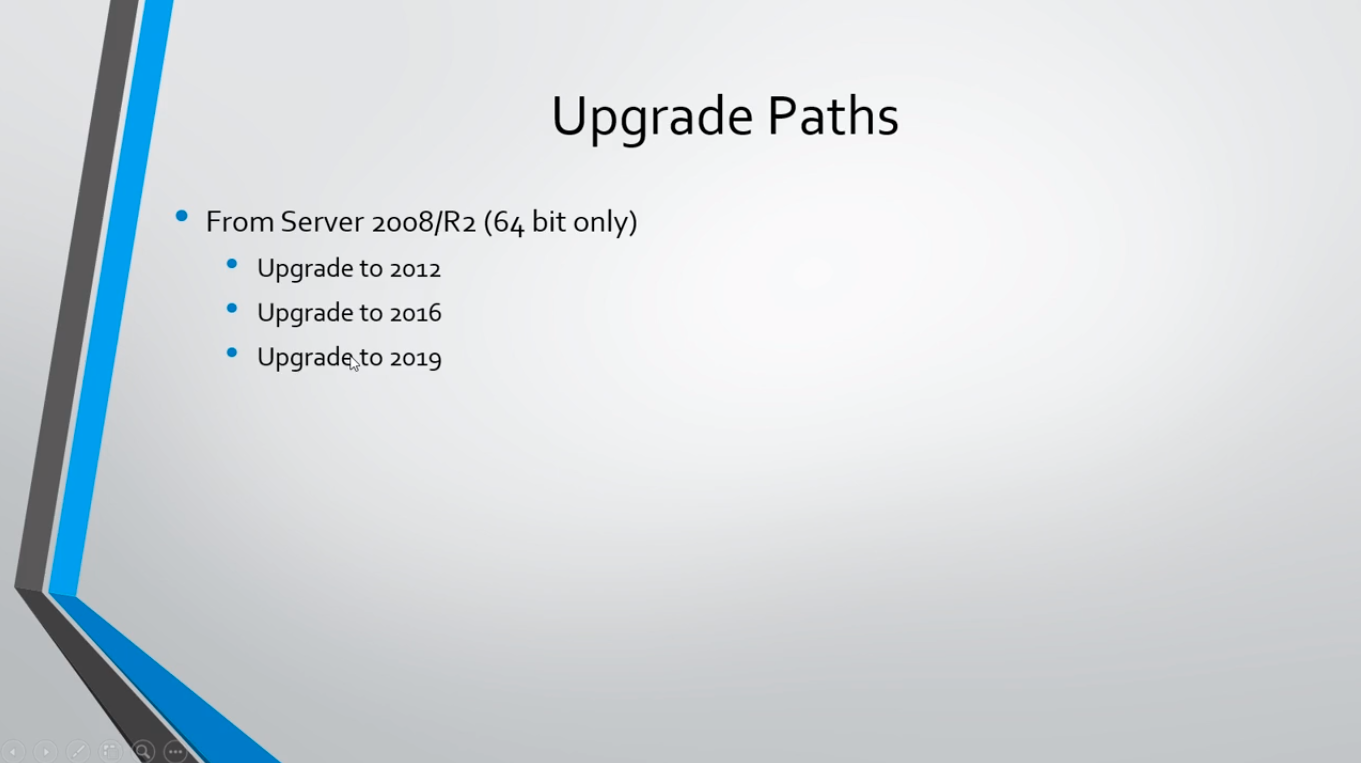
So, if you want to upgrade Server 2008 R2, the 64-bit version obviously, you cannot do the 2008 32 bit version because none of the versions after 2008 are 32-bit, they only support 64-bit. If you are on Server 2008 and you want to upgrade to Server 2012 you can do that in a single upgrade by just inserting the Server 2012 installation media and running the installation wizard.
Now, if you want to get to Server 2016, it’s going to require two upgrades. First, you’ll have to upgrade to 2012 and then once you are done with that upgrade you’ll have to upgrade that version to 2016.
The same goes for Server 2019. You have to upgrade first to 2012, then 2016, and then one more final upgrade to 2019.
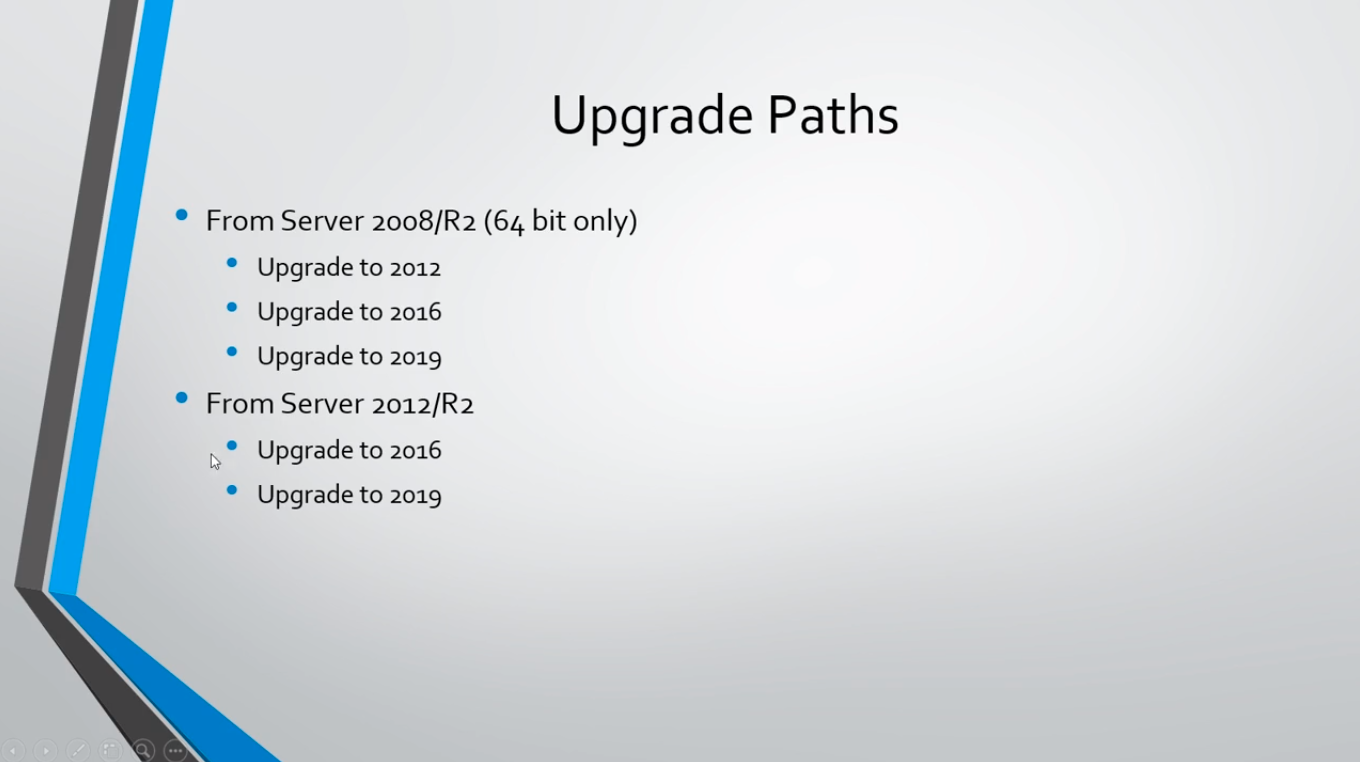
Now, if you are on Server 2012, it is the same, you just go to 2016 and then again to 2019 if you want.
For Server 2016 it would just be a single upgrade to 2019. Because of the time of this recording, there’s no new version out and there won't be for several years, I expect.
Now, you can perform an upgrade from the Standard version of Windows Server to the Datacenter.
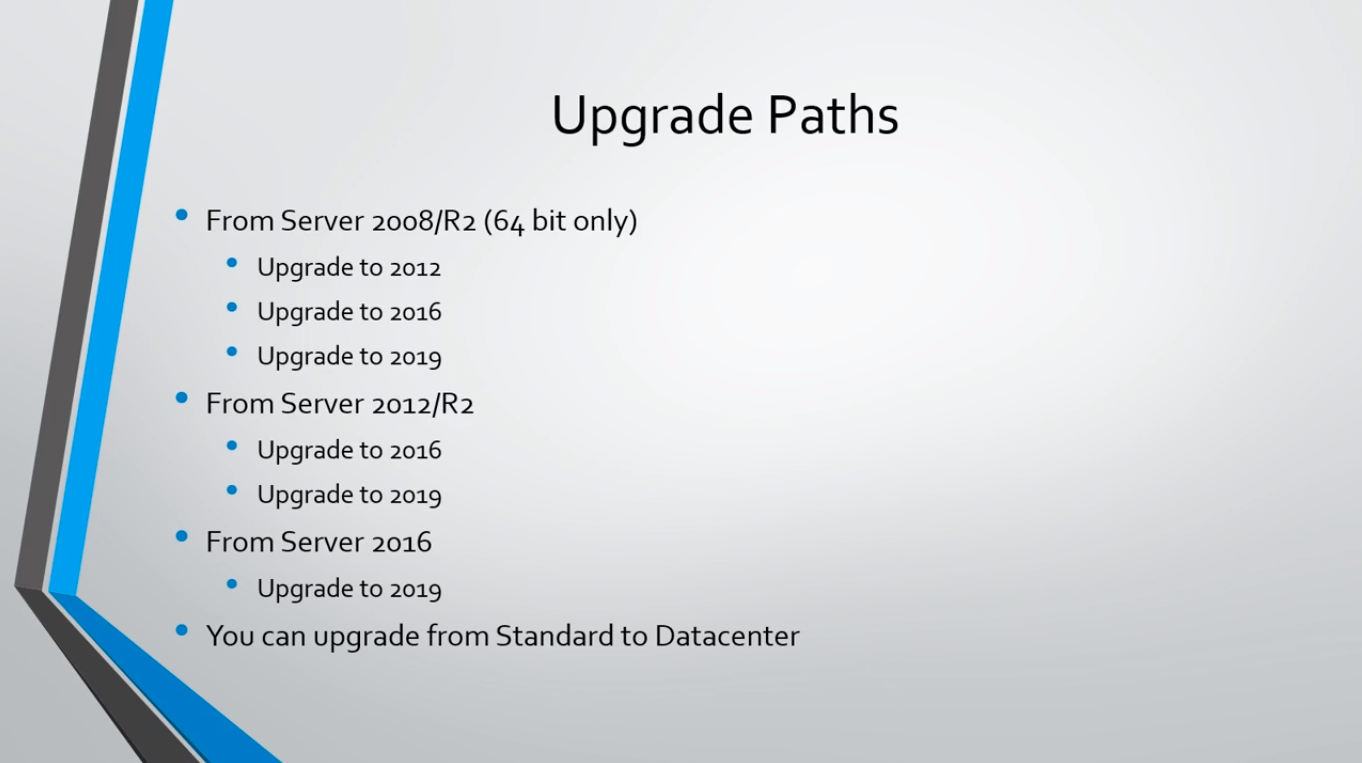
But, keep in mind that you cannot upgrade from Datacenter to Standard. So if you have a Server 2016 Datacenter you cannot upgrade to Server 20…
No comments yet. Add the first comment to start the discussion.