
About Server Migrations
In this lecture, we are going to talk about Windows Server migrations.
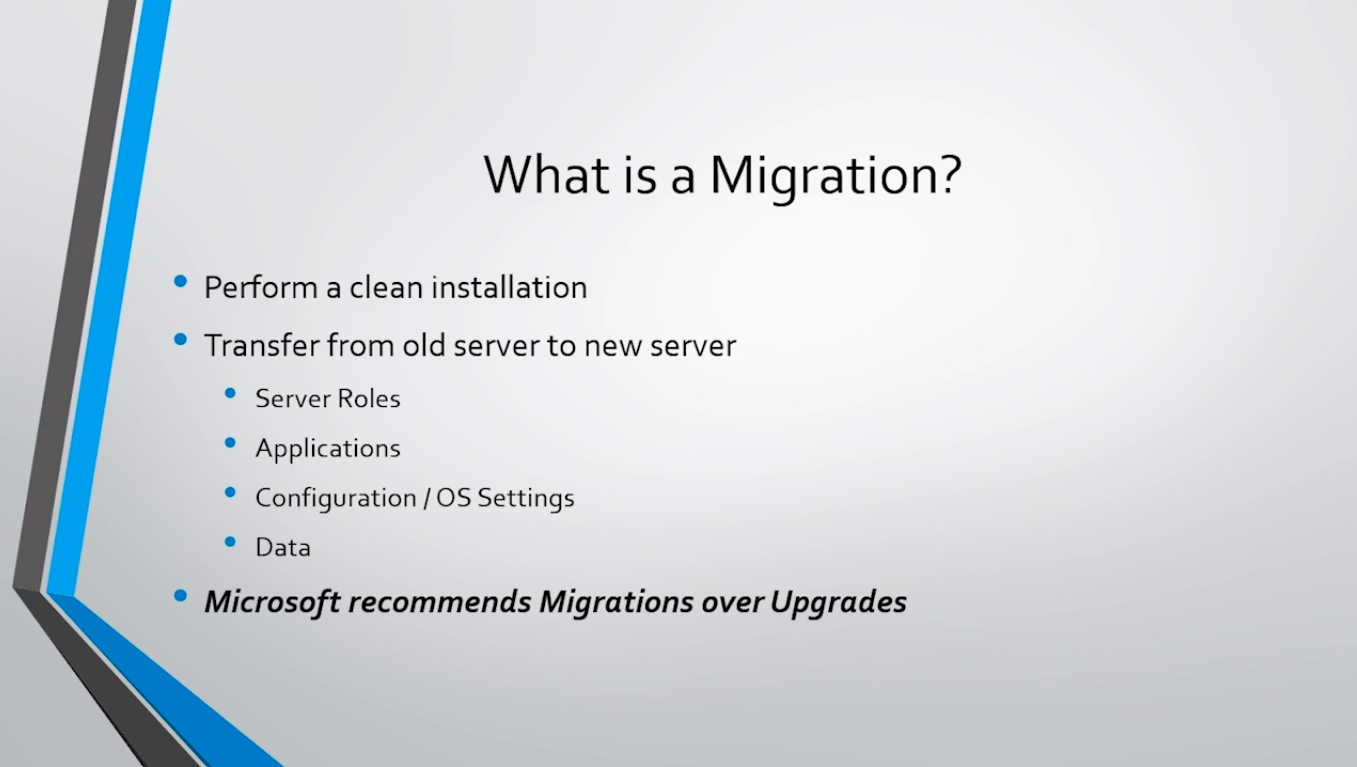
First, let’s start by talking about what exactly migration is? And is when you perform a clean installation of Windows Server. Then you transfer Server Roles, Applications, Configurations, or OS Settings and Data from the old server to your new server.
Now, Microsoft will always recommend that you perform a migration over an upgrade. So, if you have Server 2012 that is running and you need to upgrade to Server 2016, instead of doing a traditional upgrade where you insert the 2016 installation media into your 2012 server and run the installation, instead, build a new server 2016 Server and then transfer those roles or migrate those roles from the old server to the new server.
The reason why Microsoft recommends this over an upgrade is that you get a clean installation that is less likely to have issues later on down the road. I actually cannot think of a time when I’ve completed an upgrade and not have some type of issues as a result of upgrading from an older operating system. So, you always want to do a migration over an upgrade if at all possible.
Now, there are also other benefits that are included. There are fewer restrictions, for example, you can go from Server 2008 directly to Server 2016, or even from Server 2003 to Server 2016.
You can go from a 32-bit installation directly to a 64-bit installation.
You can go from one edition to another like Standard to Datacenter.
You can go from a Virtual Machine, you can migrate that server to a physical server or vice versa.
And, you can go from Windows Server Core to the Desktop version directly through a migration which is not possible through an upgrade.
Those all go back the other direction too granted th…
No comments yet. Add the first comment to start the discussion.