
Storage Allocation Units
**Lecture correction: **The default allocation size will depend on the size of the volume. Please refer to the table and URL below:
Default cluster size for NTFS, FAT, and exFAT
| Volume size | Windows NT 3.51 | Windows NT 4.0 | Windows 7, Windows Server 2008 R2, Windows Server 2008, Windows Vista, Windows Server 2003, Windows XP, Windows 2000 |
|---|---|---|---|
| 7 MB–512 MB | 512 bytes | 4 KB | 4 KB |
| 512 MB–1 GB | 1 KB | 4 KB | 4 KB |
| 1 GB–2 GB | 2 KB | 4 KB | 4 KB |
| 2 GB–2 TB | 4 KB | 4 KB | 4 KB |
| 2 TB–16 TB | Not Supported* | Not Supported* | 4 KB |
| 16TB–32 TB | Not Supported* | Not Supported* | 8 KB |
| 32TB–64 TB | Not Supported* | Not Supported* | 16 KB |
| 64TB–128 TB | Not Supported* | Not Supported* | 32 KB |
| 128TB–256 TB | Not Supported* | Not Supported* | 64 KB |
256 TB| Not Supported| Not Supported| Not Supported
Storage Allocation Units
In this lecture, you are going to learn about Storage Allocation Units.
Now, this is going to come into play any time you configure or create a new Volume. You are going to reach this screen in the wizard that will prompt you to select an Allocation unit size.
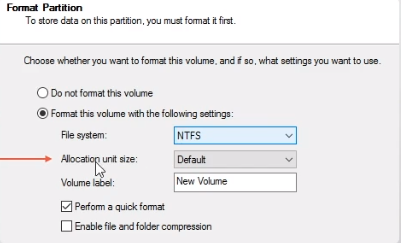
Now, The default option is going to be 512 bytes even though it just says Default it's going to be 512 bytes for that option.
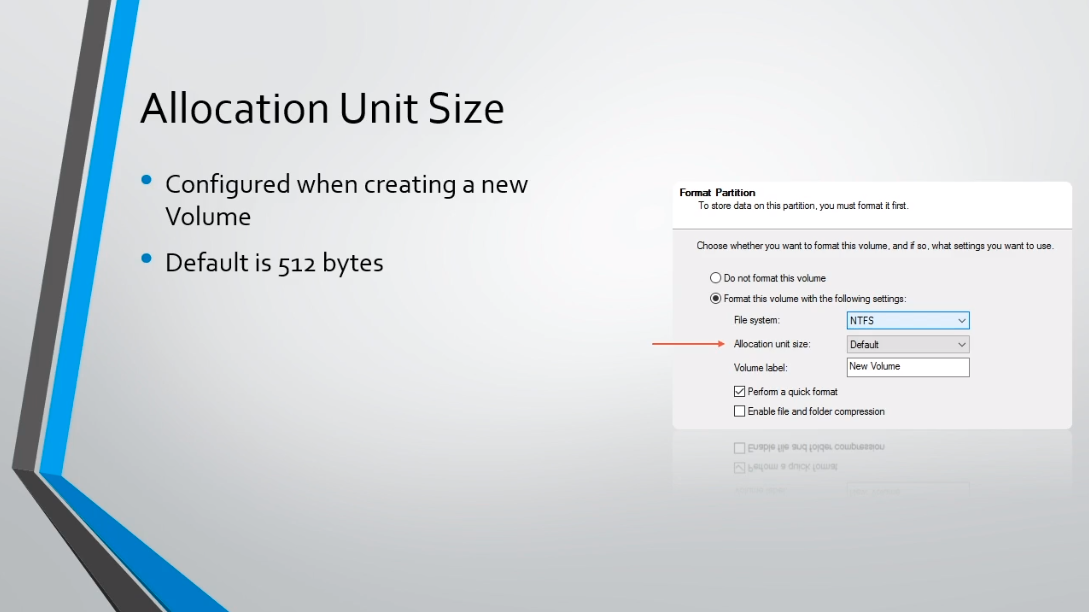
But, there are more options you can choose and I really want to break down what these options are, and what the pros and cons might be for each option, and which option might be right for you.
So, an Allocation Unit Size is commonly referred to as a block or cluster.
It's the smalles…
No comments yet. Add the first comment to start the discussion.