
Understanding the different versions of Windows Server
In this lecture, I am going to give you an overview of the different versions of Windows Server.
Now, this course isn’t specialized in one particular version and there’s a really good reason for that. We are going to discuss that in this specific course.
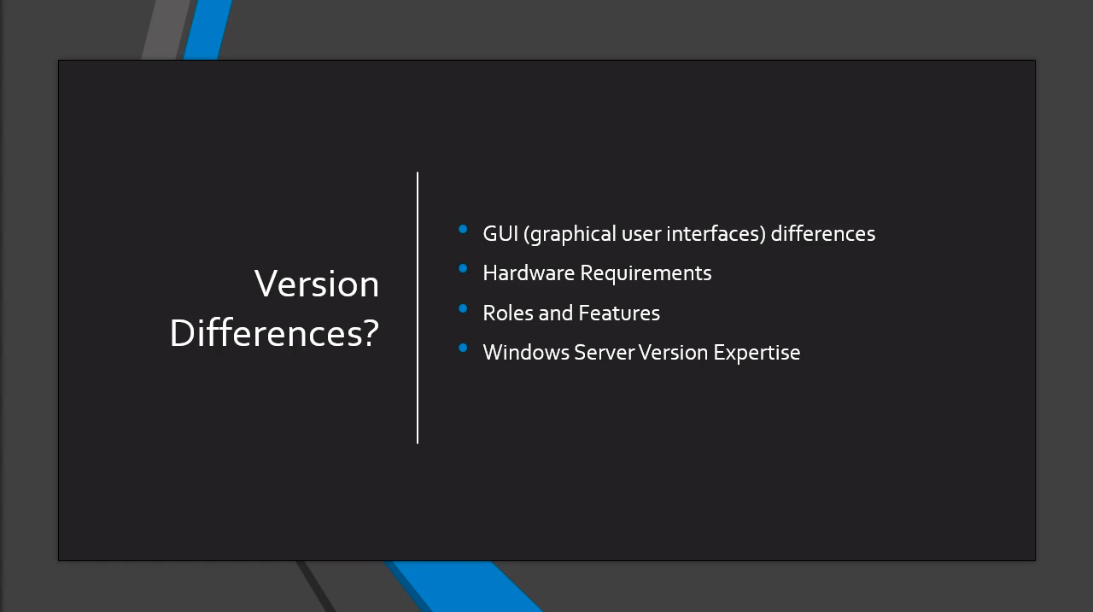
What I want to talk about is the differences in the Graphical User Interfaces, the differences in the Hardware requirements, is it different when installing Roles and Features when you are working on these different versions? and also most importantly, do your skills from one version of Windows Server transfer to another version of Windows Server?
Now, this isn’t meant to be the one be all comparison of every different version of Windows Server. That would take us a couple of hours and we’ll be talking about things like the different types of RAM, whether it has ECC compatibility or the type of resolution that you need to be able to run and that’s going to get really boring really fast and I don’t think this information necessarily you need to know right now for this lecture.
Now, of course, if you are purchasing Hardware and you are purchasing Windows Server you’ll want that information and I’ll provide that along with this lecture but just for now I want you to understand how these different versions work and overall how what you are going to learn in this course will translate to all these different versions.
First, let’s talk about the Graphical User Interfaces. Now, we are going to talk about from version 2003 all the way down to 2019. There have basically been two major overhauls of the Graphical User Interfaces.
So, 2003 to 2008 is pictured down here on the left-hand side. You can see it looks like the Windows XP style of graphics.
Then we have 2012 to 2019 they share the sa…
No comments yet. Add the first comment to start the discussion.