
WSUS Synchronizations
In this lecture, we are going to learn about WSUS synchronizations.
Open WSUS console from Server Manager > Tools > Windows Server Update Services.
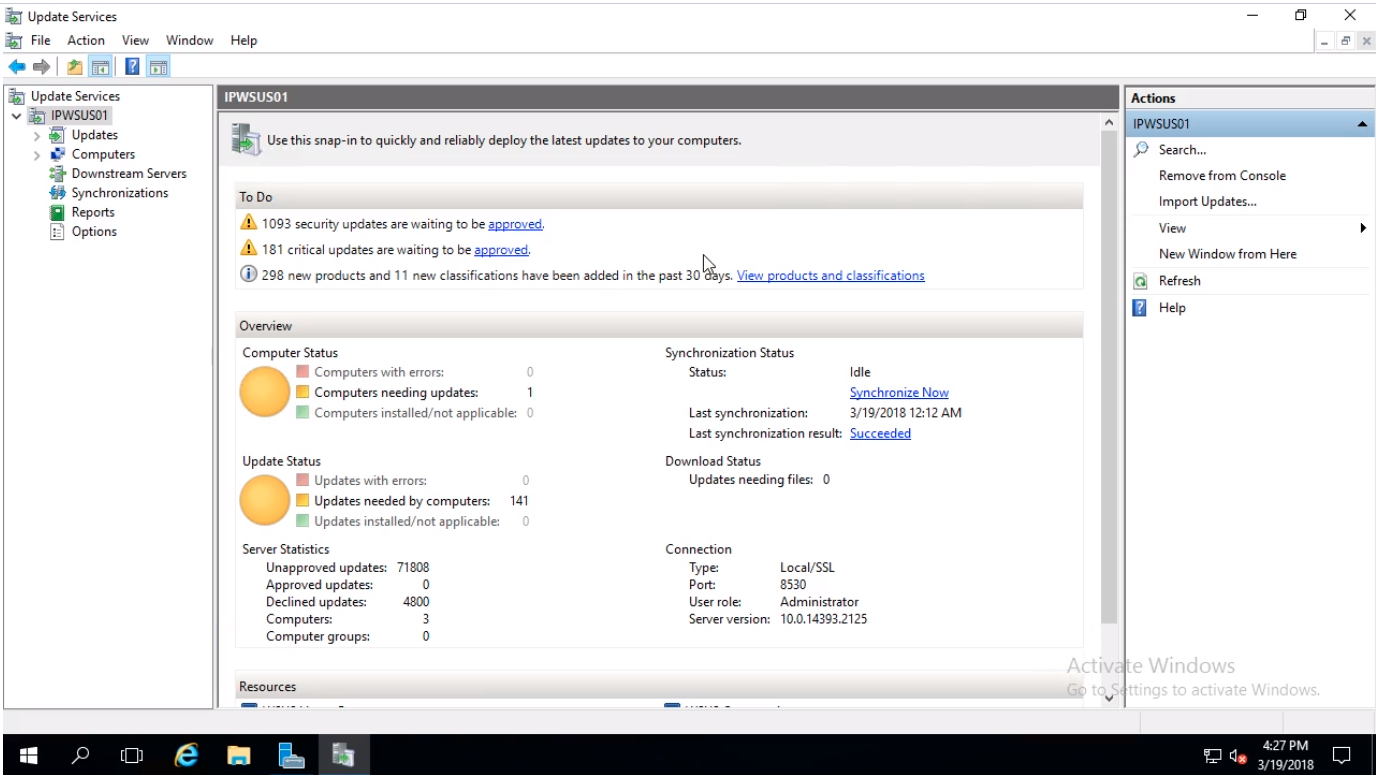
We can see from the WSUS Dashboard that we have in the center pane the WSUS Overview. Zooming in we notice the Synchronization Status section and the Last synchronization time and date and the Last synchronization result as succeeded.
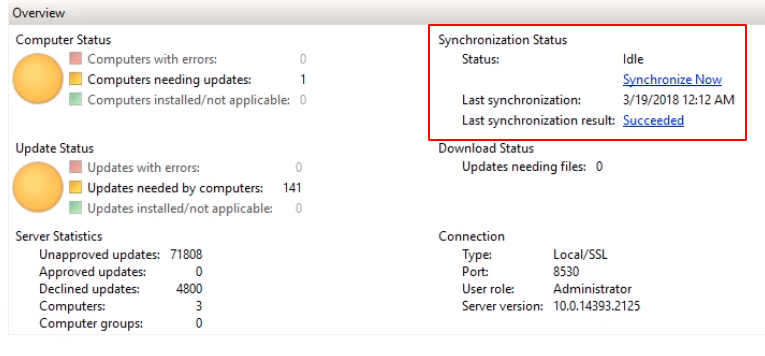
Right now our WSUS is not downloading updates but the meta-data for those updates. Our WSUS is finding updates releases, newly added or superseded updates, etc. basically keeping a catalog current.
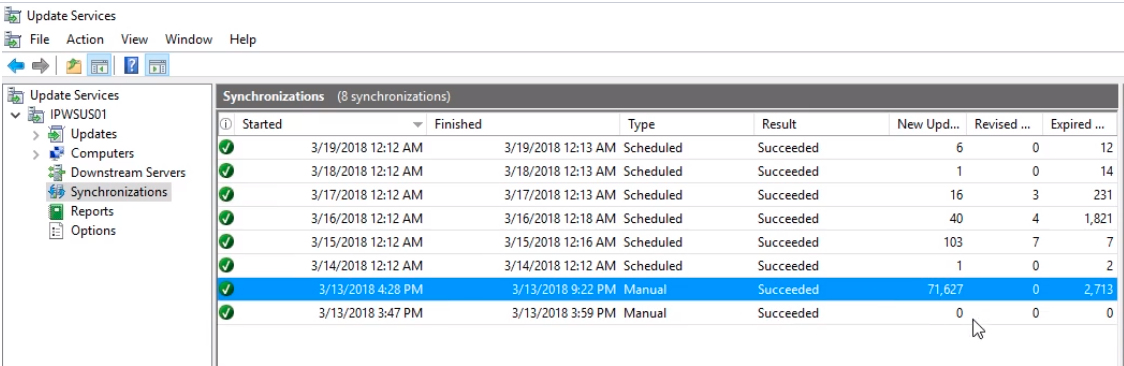
If we click on the Synchronizations tab to the left we can see more information. We notice the time when we run a Manual synchronization and downloaded all the information for those +7000 updates WSUS gathered meta-data about. We also noticed the Scheduled synchronizations and information on the New, Revised, and Expired updates.
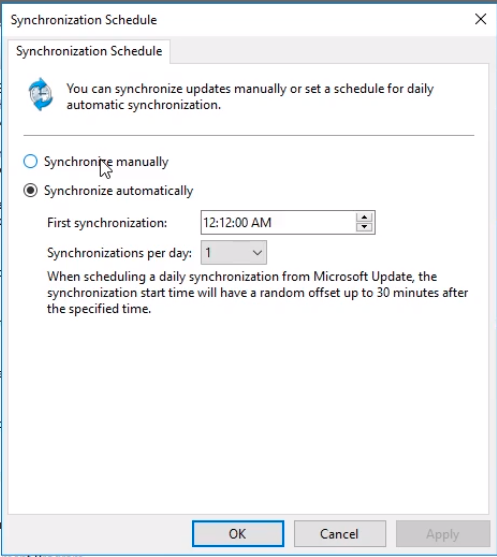
We can configure the Synchronization Schedule by clicking Options to the left.
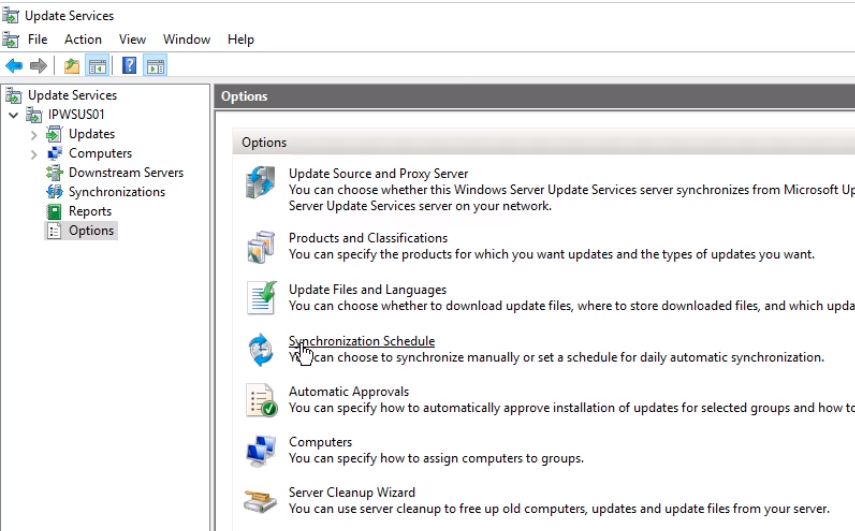
We see that we have the option to Synchronize manually and Synchronize automatically. These options were set when we ran the configuration wizard, but can be changed here.
Also under Options, we have Update Files and Languages.
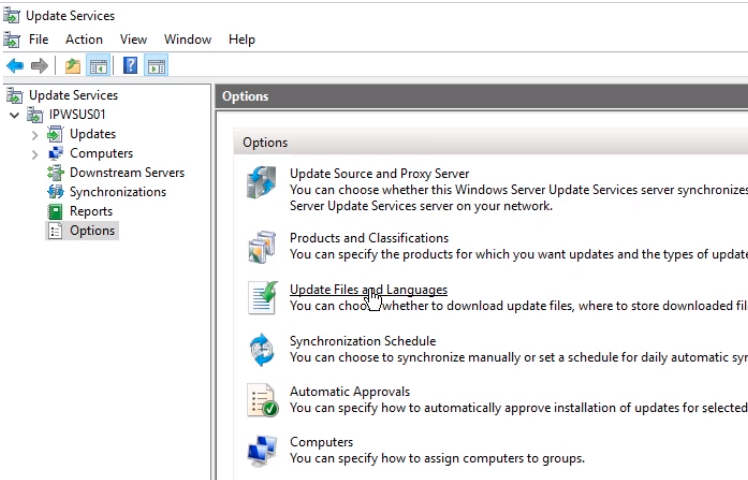
We can choose if we want these updates to be downloaded directly onto this server or if we want to hav…
No comments yet. Add the first comment to start the discussion.