
Configuring WSUS Clients That Are Not In Your Domain
In this lecture, I will be showing you how to configure your WSUS clients that are not joined to your Windows Domain environment. This is a rare case that you might need to do, but I want to cover it in case it comes up.
To configure WSUS clients that are not part of your domain you simply need to apply the appropriate registry settings. We will export the settings from the working computer and import them into the non-domain computer.
On a Domain Joined computer, click on the Windows icon to the bottom left and type regedit. This will show the Regedit application. Click on it to open it up.
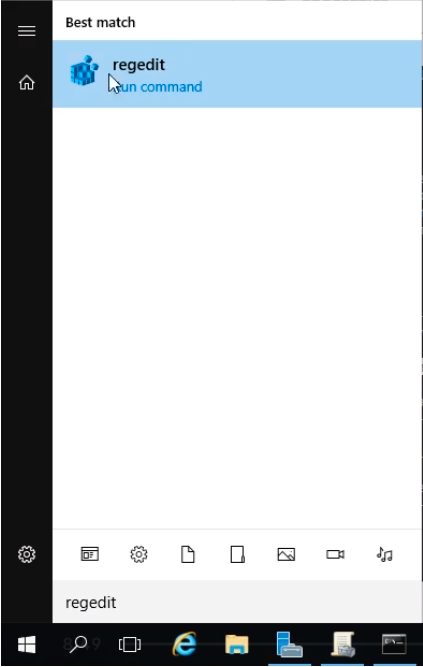
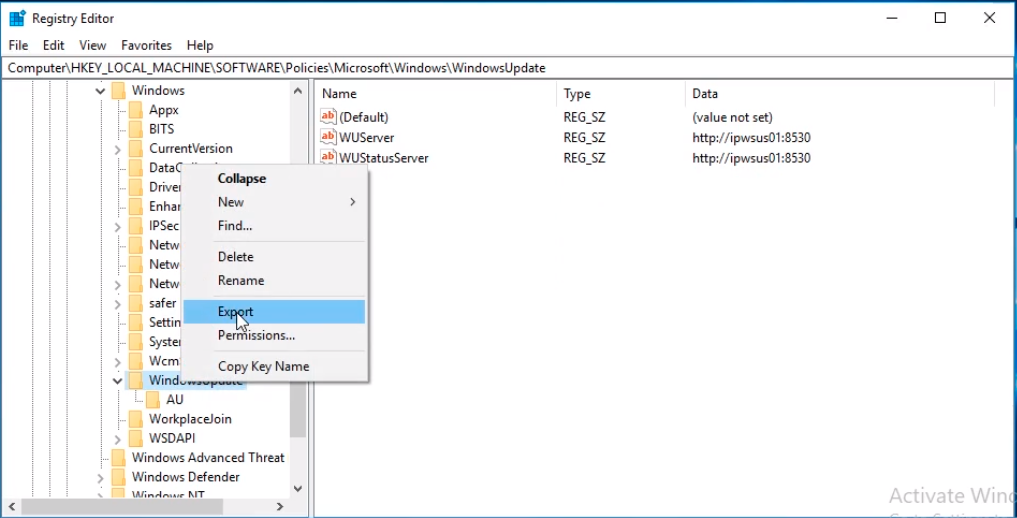
Now browse to HKEY_LOCAL_MACHINE > SOFTWARE > Policies > Microsoft > Windows > WindowsUpdate.
RIght-click on the WindowsUpdate and select Export from the context menu.
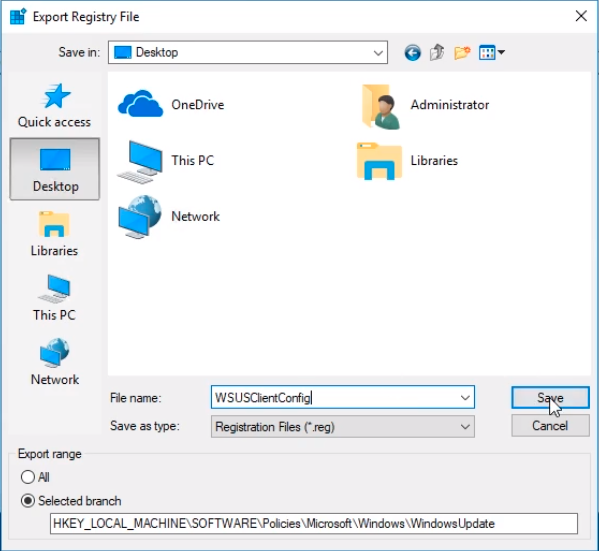
Save it to the Desktop and name it something like WSUSClientConfig and click on Save. You can close the Registry Editor window.
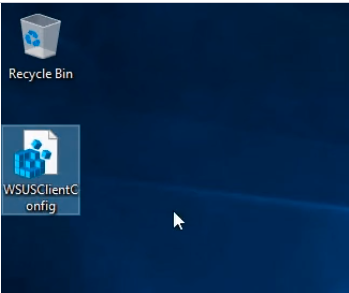
We should have a new file on our Desktop like the following:
If we right-click on the file and choose Edit.
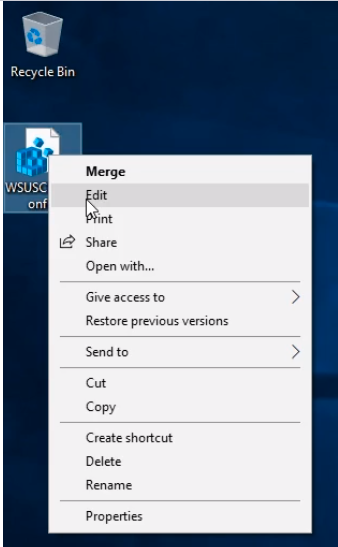
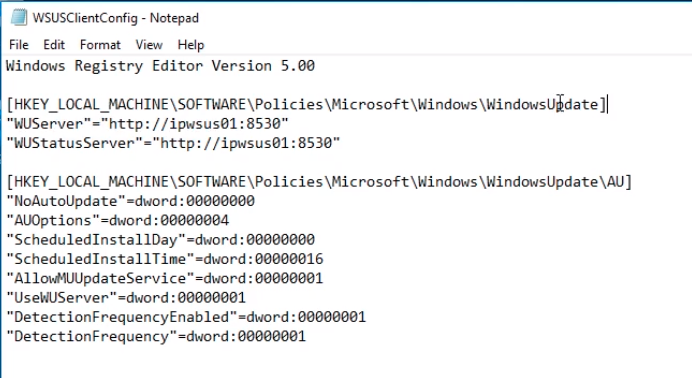
We can see in a file text editor the keys for the WindowsUpdate and AU folder and all these are the settings we configured in Group Policy. So our target computers that are not joined to the domain will get the same settings we configured in Group Policy Manager Editor. Close the text editor.
We now right-click and…
No comments yet. Add the first comment to start the discussion.