
Troubleshooting Group Policy with MMC (RSOP.msc - Resultant Set of Policy)
In this lecture, we are going to be doing some Group Policy troubleshooting. We are going to cover what’s known as RSOP or Resultant Set of Policy. This is something that allows you to see what kind of policies are being pushed to the Computer and to the User that you’re currently logged into.
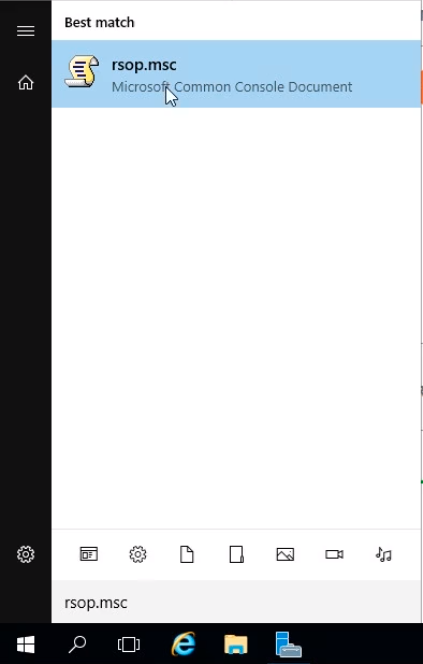
Click the Windows icon at the bottom left and type rsop.msc. This is something that is available on Windows operating systems, so you can find it on Windows Server as well as your Windows 10. Click on rsop.msc from the Best match list.
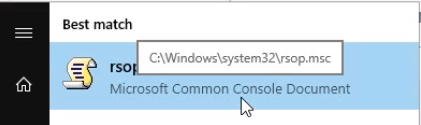
TIP: In case your search is broken you can see the path to rsop.msc when highlighting the rsop.msc icon.
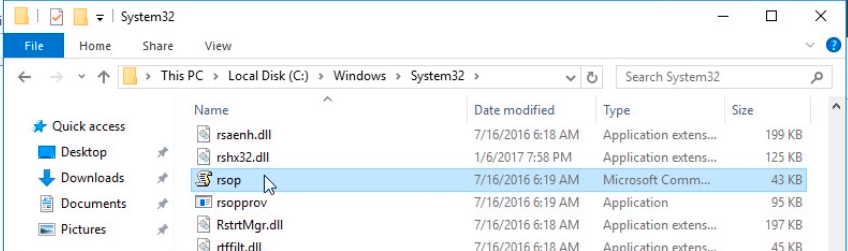
If we navigate to the folder location we can see rsop in file explorer. You can also double-click it to launch the Resultant Set of Policy mmc.
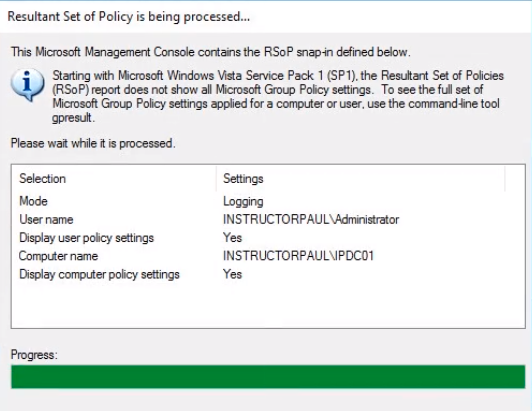
A Resultant Set of Policy is being processed… window may pop up briefly collecting information with a progress bar.
We can see the Resultant Set of Policy Window has loaded. We can see it generating information for the Administrator on IPDC01. This is the user account that I am currently logged into and this is the computer that I'm currently logged into.
It looks familiar to a Group Policy window if you remember.
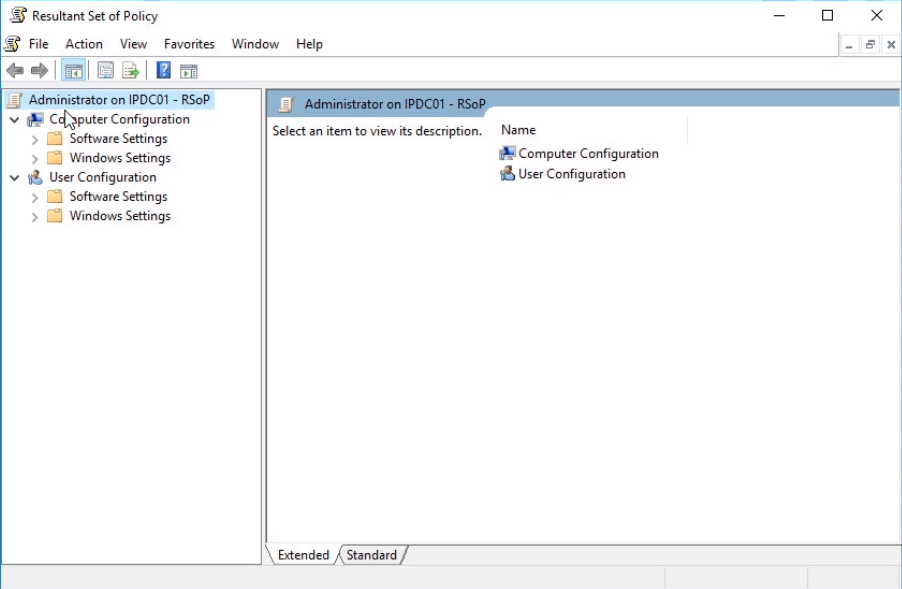
If we expand all the settings we can see we are missing Administrative Templates, and that is not shown in this Resultant Set of Policy window.
![](https://zrftqtvkikjkbtkfalgp.supabase.co/storage/v1/object/public/lesson-images/4f1…
No comments yet. Add the first comment to start the discussion.