
Virtualization Overview
In this lecture, we are going to talk about virtualization, how you can use it, and how it’s used out in the IT world.
First, just to be clear, we are going to talk about what Virtual Machines are.
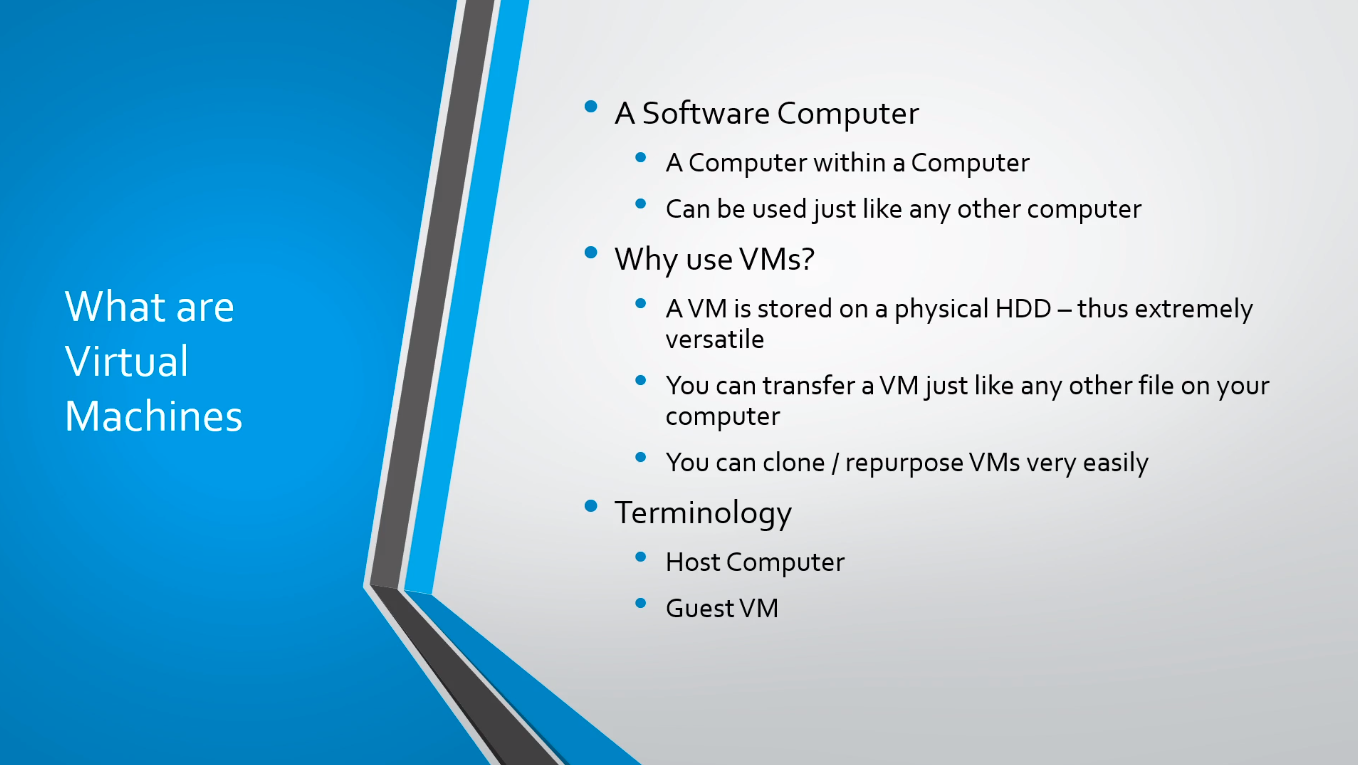
It is a software computer. You can think of it as a computer within a computer. Virtual Machines can be used just like any other computer. So when you think about installing an application, you can start it up, you can use the application, and then you can turn it off when you’re done, that's exactly how a Virtual Machine works.
So you might ask, why would you want to use a Virtual Machine? Well, VMs are stored in a physical Hard Disk drive, which means they are extremely versatile, you can transfer them just like any other file on your computer.
Just like I might email you a picture or a video, I can build a Virtual Machine on my computer and I can send that Virtual Machine to you, and you can boot it up and have the exact same computer that I have built on my local computer.
So, that means we can clone and repurpose these VMs very easily. If I need to build five Domain Controllers I can build one and I can clone, copy, or repurpose that virtual machine for different networks as needed.
A couple of key terms that you want to be familiar with. First, we have a host computer, and that’s the Host Computer that you are using to watch this course. Then we have a Guest VM. That’s the software computer Virtual Machine that is running on your host computer.
So here we have the Host Computer on the left-hand side and inside of this Host Computer are three software computers or Virtual Machines. Remember that the Host Computer is what you are using most likely to watch this course.
A Guest VM generally resides on a single Host. Now there coul…
No comments yet. Add the first comment to start the discussion.