
Installing and configuring VS Code for Python
Visual Studio Code is an excellent IDE (integrated developer environment) that you can use to help write Python code. You can download VS code from the official website at code.visualstudio.com:
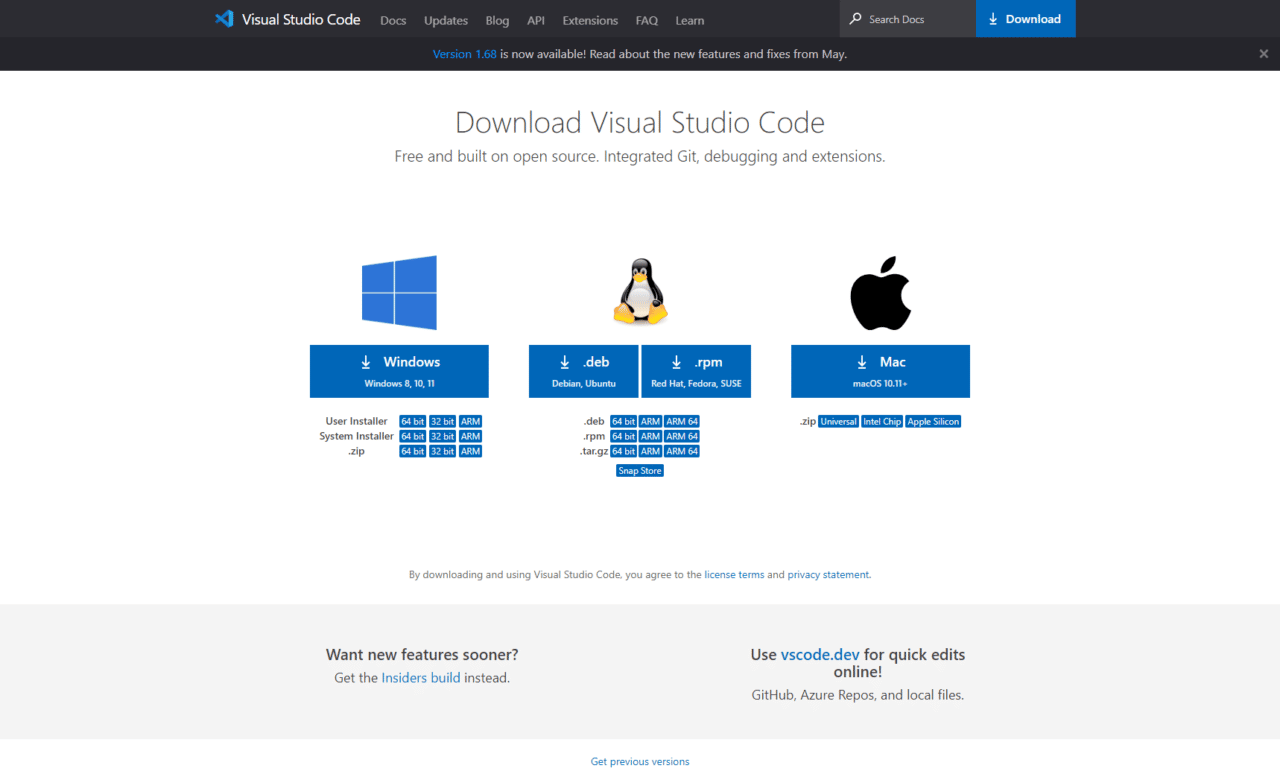 Visual Studio Code downloader
Download and install VS Code by selecting the appropriate option. Since this is a Windows course, we are clicking the Windows download button on the left. Once the download completes, run the installer with the default options and start VS Code:
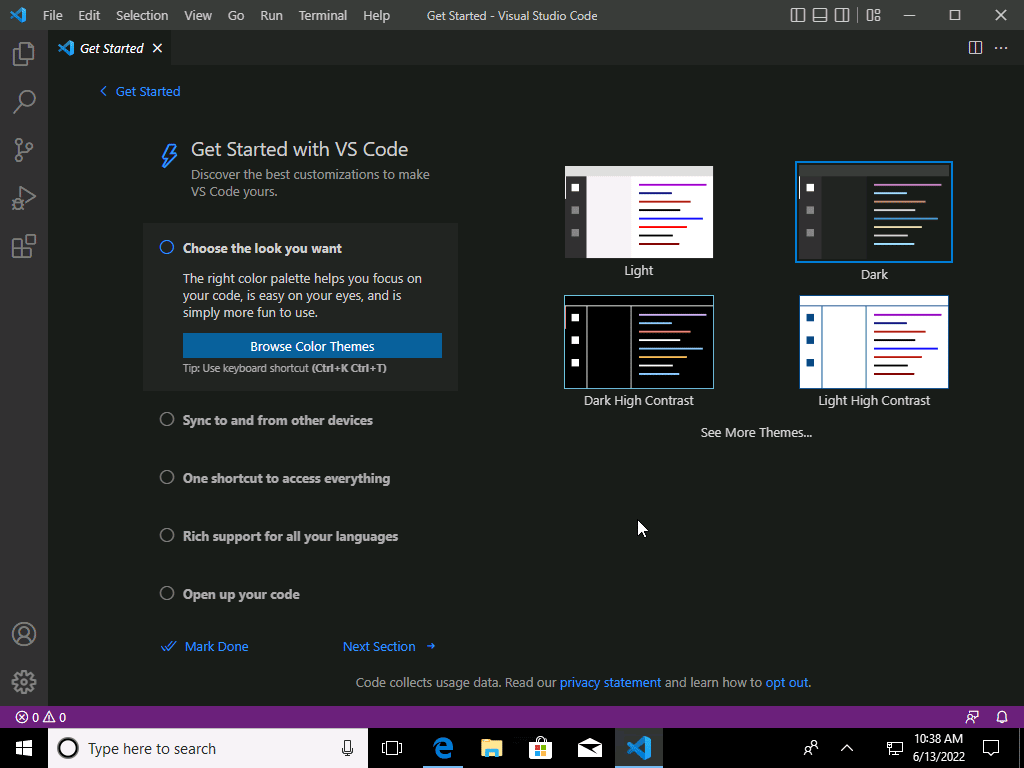 Visual Studio Code Home Screen
Here you can configure the theme you want to use, then let's create a project folder. In VS Code, clcik File >Open Folder :
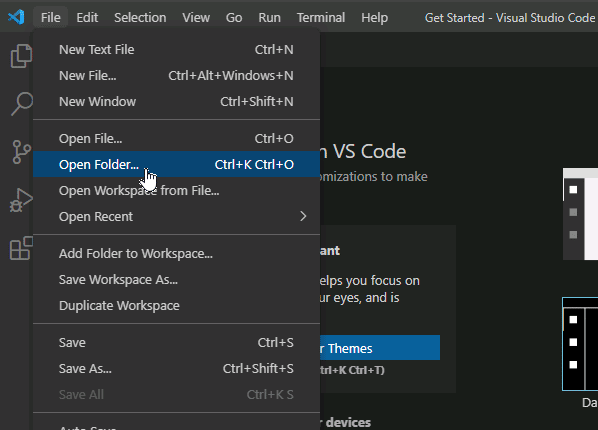 Open Folder in Visual Studio Code
Browse to the directory where you want to save your Python files for this course, right-click and click New > Folder.
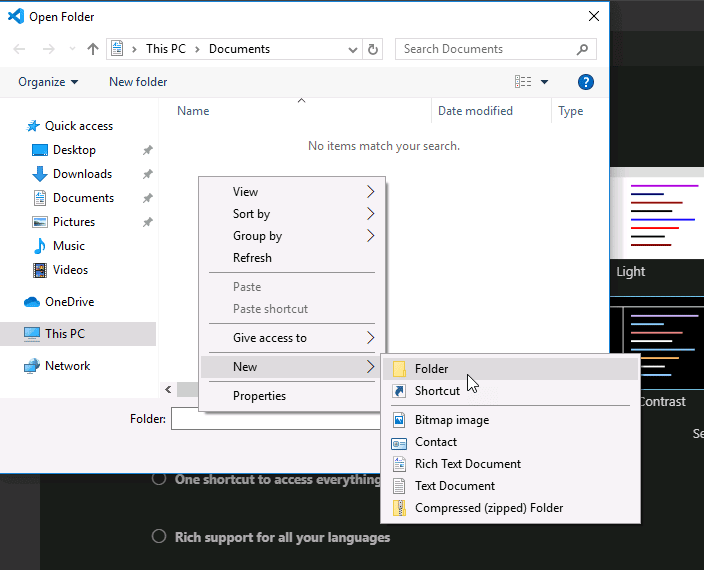
Name it whatever you think is appropriate then click Select Folder :
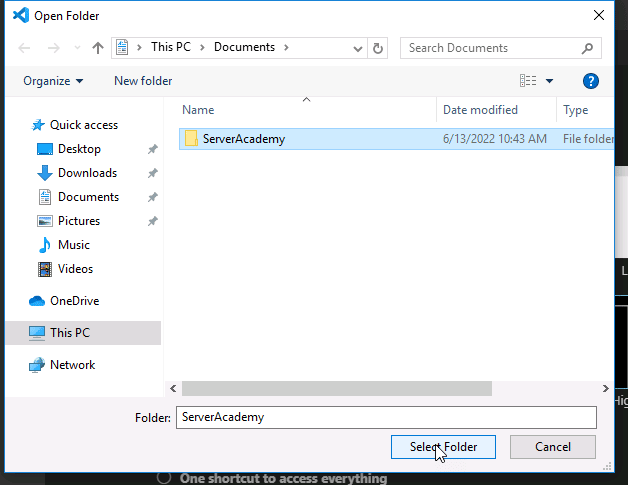
Next, select Yes when asked about trusting the authors:
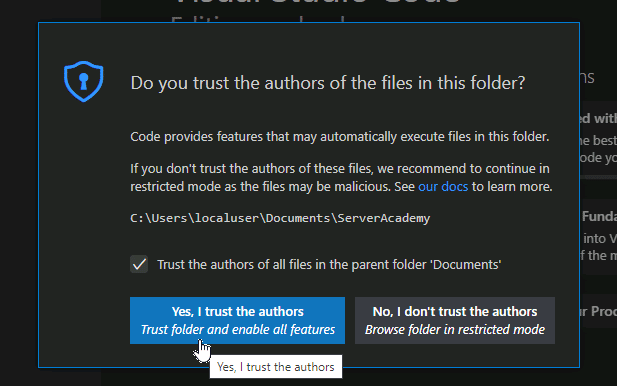 VS Code Do you trust the authors of the files in this folder?
Now we can create Python files and folders inside of this directory as desired and they will all be quickly accessible from our VS Code editor. I prefer to have a folder for each project I work on in VS code - but you are free to work any way you see fit.…
No comments yet. Add the first comment to start the discussion.